
Skip to content
prompto

Drop 02 in –– ––:––:––·29 prompts live

Prompts that make AI
design like a studio.

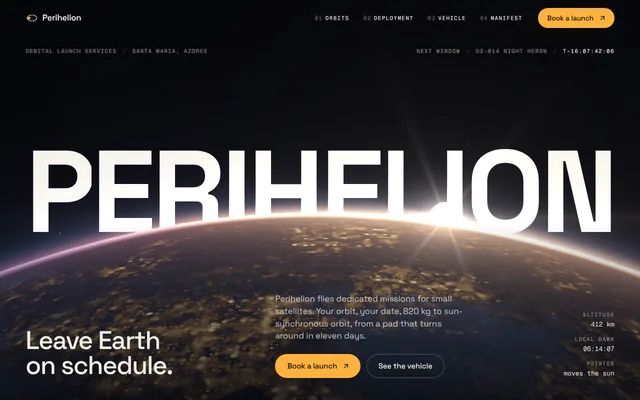
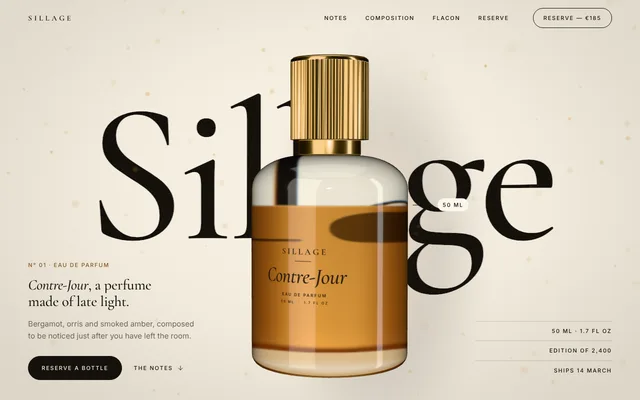
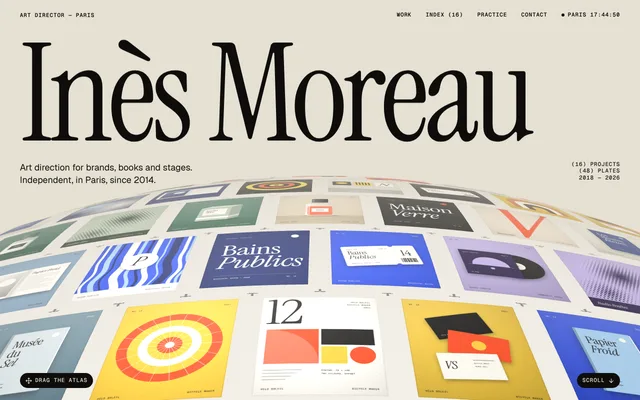
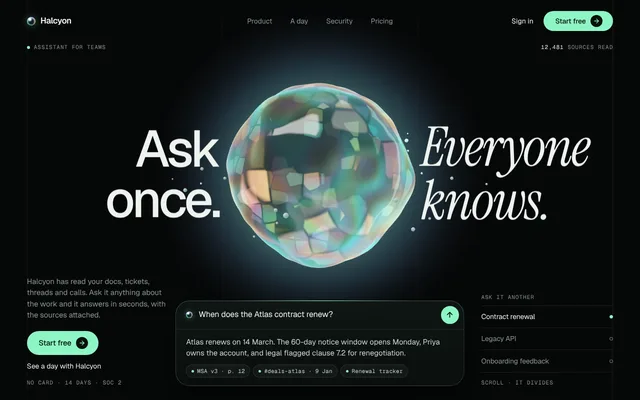
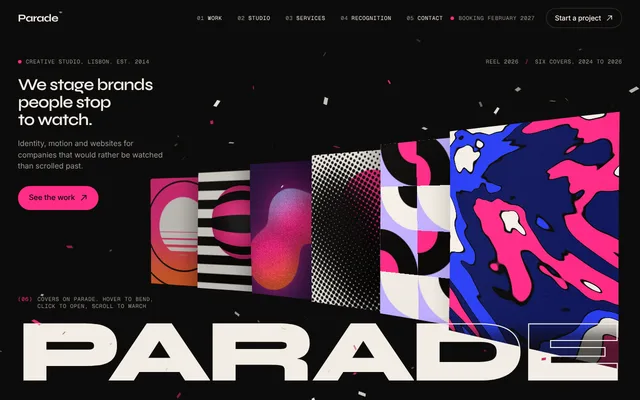
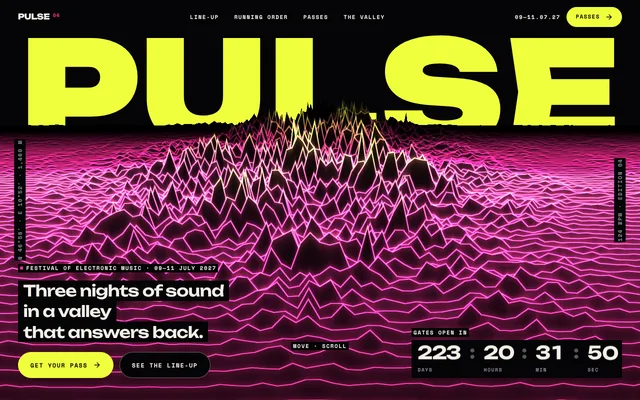
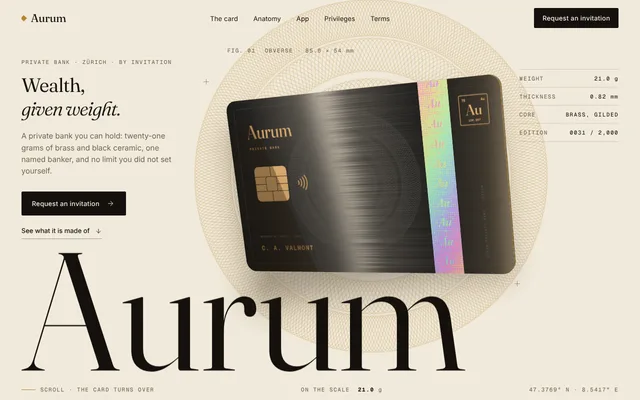
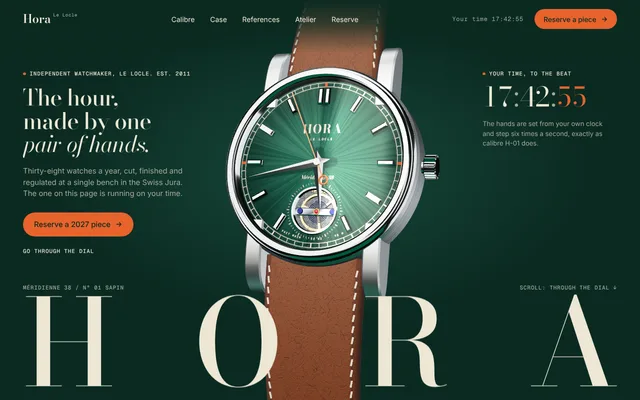
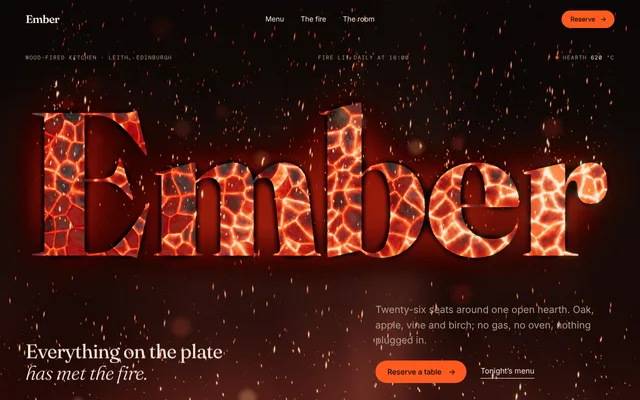
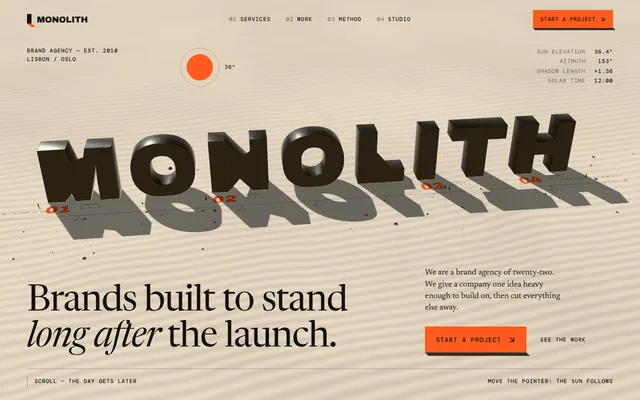
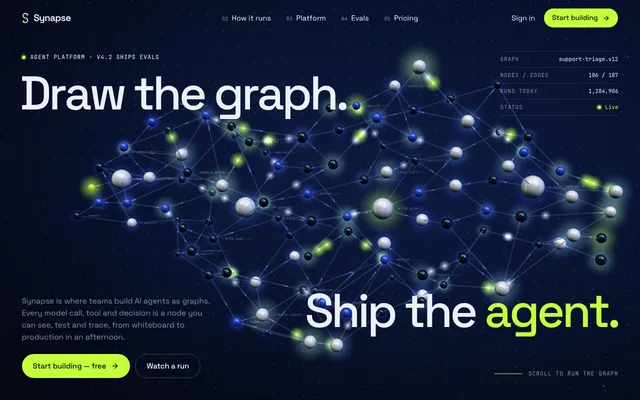
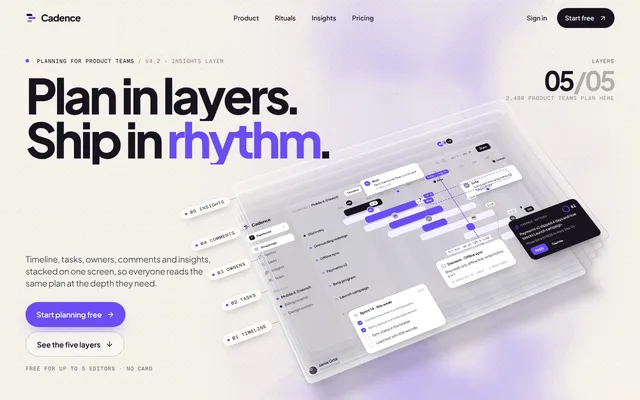
A library of website prompts for Claude Code, Cursor, Lovable, v0 and Bolt, each with the site it builds. Drag to browse, click to open.

Paste into

  • Claude Code
  • Cursor
  • Lovable
  • v0
  • Bolt
  • Replit
  • Windsurf
  • Codex
01The library

Every prompt comes with its result.

Hover a card to watch the real site. Open it to launch the live demo, make the prompt yours, and copy it into your AI builder.

02Weekly drop

New prompts, every Monday.

The library is never finished. A new batch lands each Monday morning, Paris time, and members get it without doing anything.

Drop 02

Paper, gems and night trains

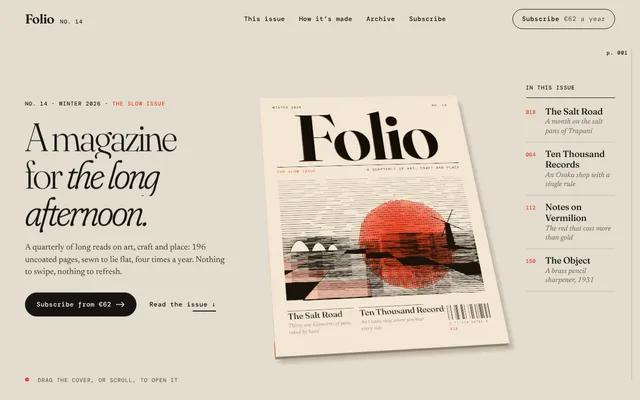
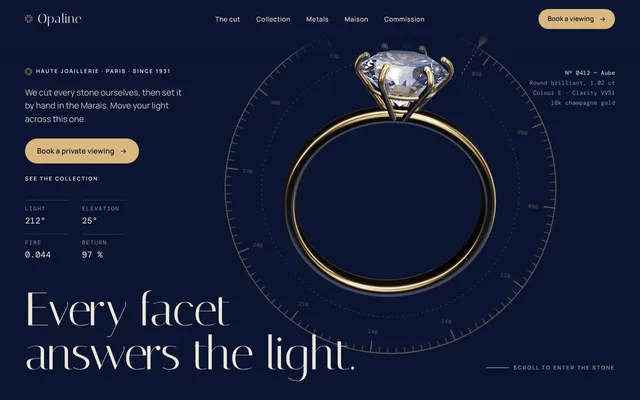
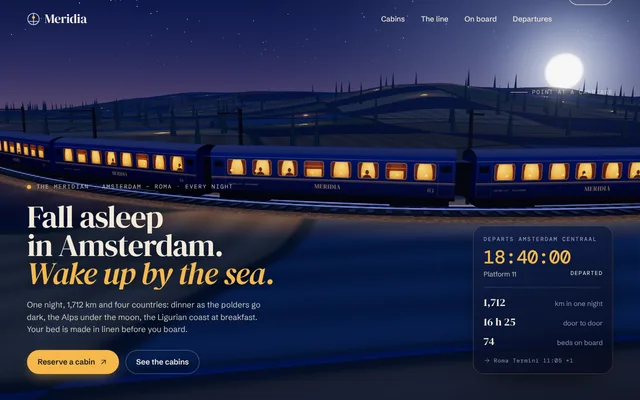
A magazine whose pages really turn, a jewel that splits the light, and a sleeper train crossing a continent in one scroll.

Lands Monday 30 November

––
Days
––
Hours
––
Min
––
Sec
Coming Monday
FolioCulture · Pro
Coming Monday
OpalineFashion · Pro
Coming Monday
MeridiaPlaces · Pro
03How it works

Copy. Paste. Ship.

A prompt is one long message. Paste all of it into your builder, let it finish, then swap the words in [BRACKETS] for your own.

  1. 1Copy and paste
  2. 2The builder works
  3. 3Your site, like the preview
Claude Codeperihelion.md
Prompt pasted
localhost:3000

Waiting for the prompt

04Inside a prompt

Written like a brief, not a wish.

Every prompt follows the same ten parts. That structure is why two people pasting the same prompt get the same site.

prompt.md10 parts · 633 to 1204 lines
  1. 01Role and goal
  2. 02Stack and constraints
  3. 03Design tokens
  4. 04Layout
  5. 05Sections
  6. 06Motion
  7. 07Responsive behaviour
  8. 08Accessibility and performance
  9. 09Copy deck
  10. 10Acceptance checklist

Real 3D, written out

The scene is described in numbers and its source code is in the prompt: geometry, materials, lighting, shaders. No video, no file to download.

Motion you can measure

Every animation has a duration, an easing and a trigger, plus a fallback for people who prefer less motion.

Your words in [BRACKETS]

The copy is written, not lorem ipsum. Search for the brackets, replace them, publish.

Phone to wide screen

Each prompt says what happens at every breakpoint, so the phone layout is designed rather than guessed.

Accessible by default

Contrast, focus states and semantics are part of the brief, so they are part of the result.

Straight into Figma

Every demo comes as a Figma kit: each screen as editable layers, with text styles and colour variables. Tokens for your code too.

05Pricing

Subscribe, or pay once.

Start free. Go Pro for the whole library and every Monday drop, or take Lifetime and never think about it again.

Free

Try the library

€0

No card needed

Open the free prompts
  • 5 free prompts today
  • New free prompts in some of the weekly drops
  • Live preview of every prompt, free or not
  • Design tokens of every prompt (JSON, CSS, Tailwind)
  • Use in personal and client projects

Pro

The subscription

€10per month

Billed €120 once a year. Save 47%

Choose Pro
  • Every prompt in the library
  • The Figma kit of every prompt: editable screens, styles, variables
  • No daily copy limit
  • A new drop every Monday
  • Versions tuned for Claude Code, Cursor, Lovable, v0 and Bolt
  • Commercial licence, unlimited client projects
  • Email support within 48 hours
  • Cancel in two clicks

Lifetime

Pay once, keep every drop

Best value
Founding price ends in–– ––:––:––

€149€299one-time

Lifetime access

Every prompt in the library and every drop that follows. One payment, no renewal.

Get lifetime access
  • Everything in Pro, for good
  • Every future drop included
  • No daily copy limit
  • Early access to each drop, the Friday before
  • One payment, no renewal

Prices in euros. 14-day refund if a prompt does not build what its live demo shows.

06Questions

Good to know before you paste.

What exactly is a Prompto prompt?
A long, structured brief you paste into an AI builder as one message. It sets the colours, type, layout, sections, motion and copy of a complete site, and ends with a checklist the AI verifies. The live demo on its page is the site an AI coding agent built from it, which you can scroll, click and resize before you copy anything.
Which tools does it work with?
Claude Code, Cursor, Lovable, v0, Bolt, and any other builder that accepts a long text prompt. On each prompt you can pick your tool before copying: we add a short opening that makes the prompt start correctly there.
Will my site look exactly like the live demo?
Very close. The demo is a real run of the prompt, not a mock-up, and the prompt works with exact values instead of adjectives. AI builders still vary a little from one run to the next. If a result drifts, ask the builder to compare its work with the prompt and fix every difference; the guide has the exact sentence to use.
How do the weekly drops work?
Every Monday morning, Paris time, a new batch is added to the library. Pro and Lifetime members see it in their library straight away. Past drops stay available: nothing is ever removed from your access.
Can I use the result for client work?
Yes. Every plan, the free one included, lets you use what you build in personal, commercial and client projects, as many as you like. What you cannot do is resell or share the prompts themselves. The licence fits on one page.
What is the difference between Pro and Lifetime?
Both open the whole library and every new drop. Pro is a subscription you can stop at any time; Lifetime is a single payment with no renewal, plus early access to each drop the Friday before.
Is there a limit on how many prompts I can copy?
Only on monthly Pro, which allows 10 new Pro prompts a day (copying one again that day is free). That is far more than a working day needs, and it keeps the library from being scraped in an afternoon. Yearly Pro and Lifetime have no limit.

Prompto

Start with
a free one.

29 prompts are live today. Open a free one, paste it into your builder and see what comes out.