AI & SaaS/Drop 01
Nimbus
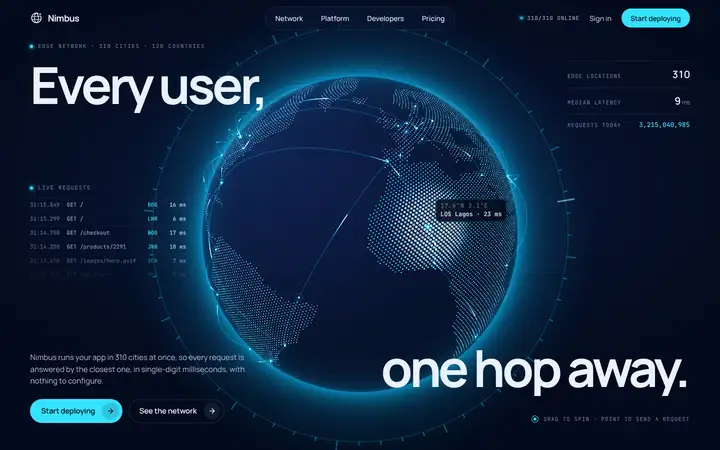
A dotted planet of edge locations that answers your pointer and docks as a live widget
- Real-time 3D
- Shader
- Particles
- Scroll story
by Prompto · Pro · 830 lines
Design system · Figma
Take it into Figma.
The colours, the type and every screen of the live demo, ready for your design file or your code. Your brand and colour from “Make it yours” carry through.
Colour · click to copy
Contrast · WCAG 2
- AaForeground on Background17.5:1 AAA
- AaMuted on Background5.3:1 AA
- AaAccent on Background12.65:1 AAA
- AaBackground on Accent12.65:1 AAA
Type · the most used styles
- NimbusHeading/44 SemiBoldManrope 44/49
- NimbusBody/18 Bold · ManropeManrope 18/27
- NimbusBody/14 RegularManrope 14/21
- NimbusBody/14 Medium · ManropeManrope 14/21
- NimbusLabel/13 RegularJetBrains Mono 13/19.5
- NimbusLabel/12 Regular · JetBrains Mono 3JetBrains Mono 12/20
- NimbusLabel/11 Regular · JetBrains MonoJetBrains Mono 11/16.5
60 text styles in all, JetBrains Mono, Manrope. All free on Google Fonts.
Storyboard · 18 screens
01 — Every user,
47 editable texts
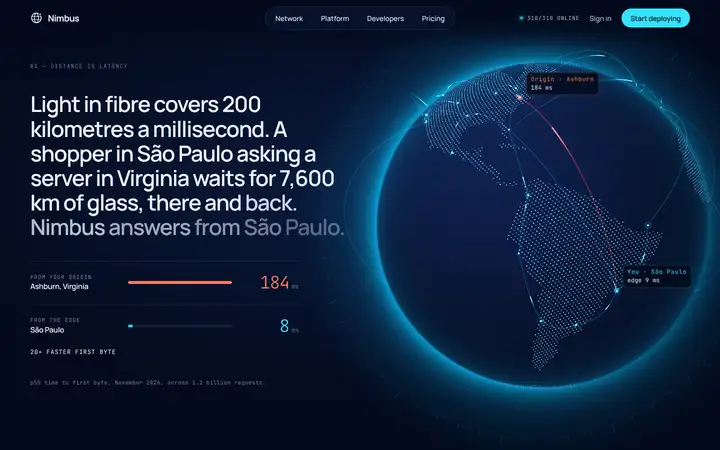
02 — 184ms
20 editable texts
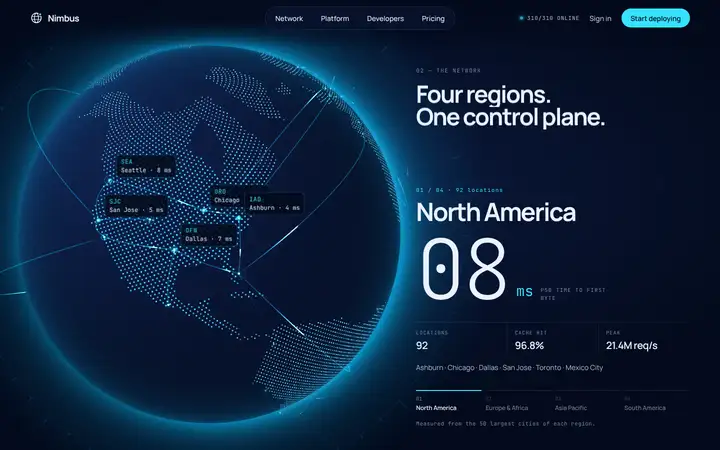
03 — 08
37 editable texts
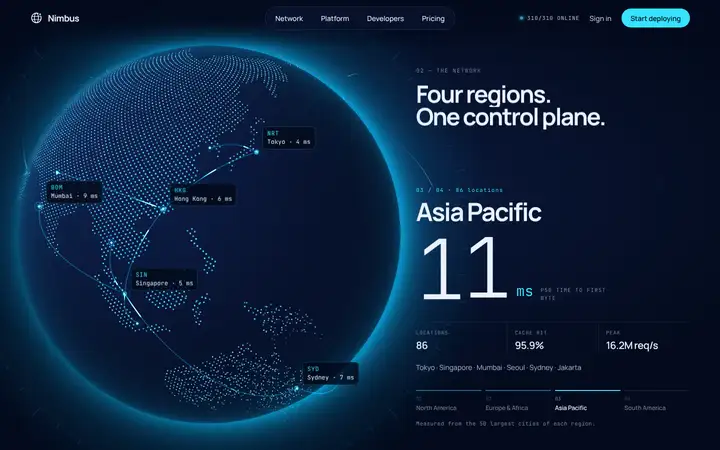
04 — 11
37 editable texts
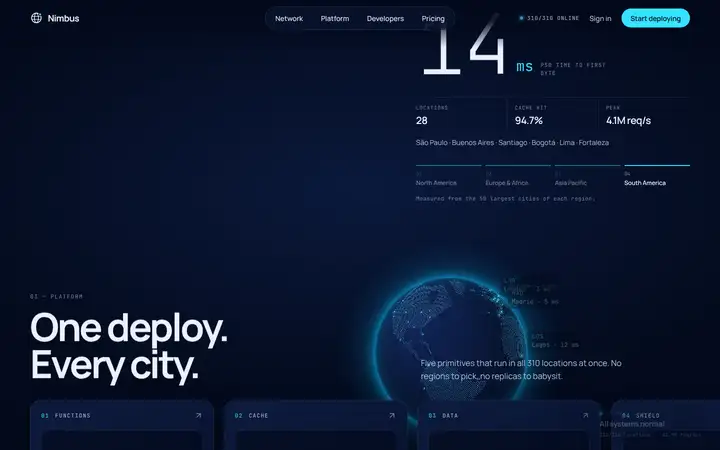
05 — 14
47 editable texts
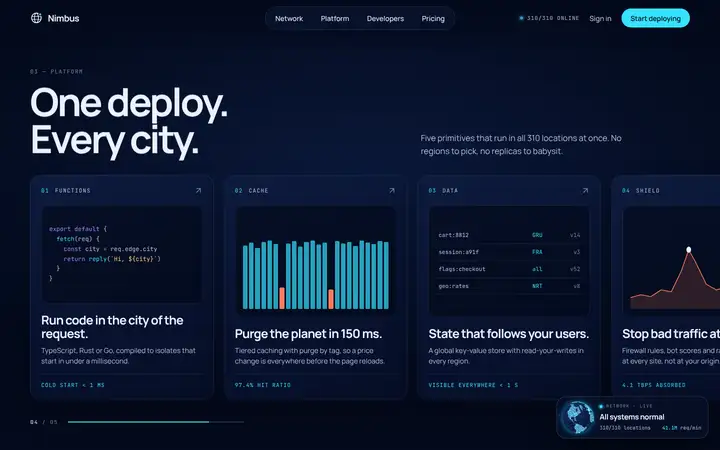
06 — One deploy.
48 editable texts
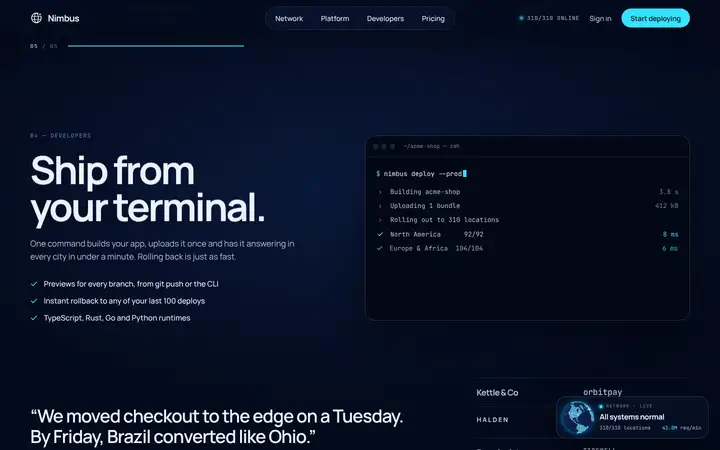
07 — Ship from
37 editable texts
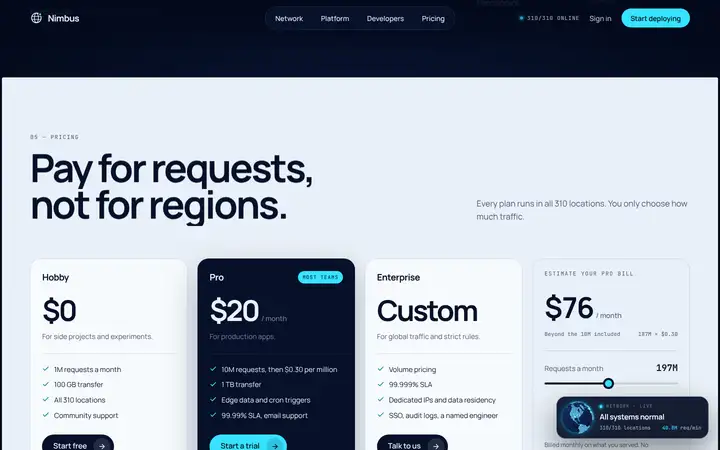
08 — Pay for requests,
51 editable texts
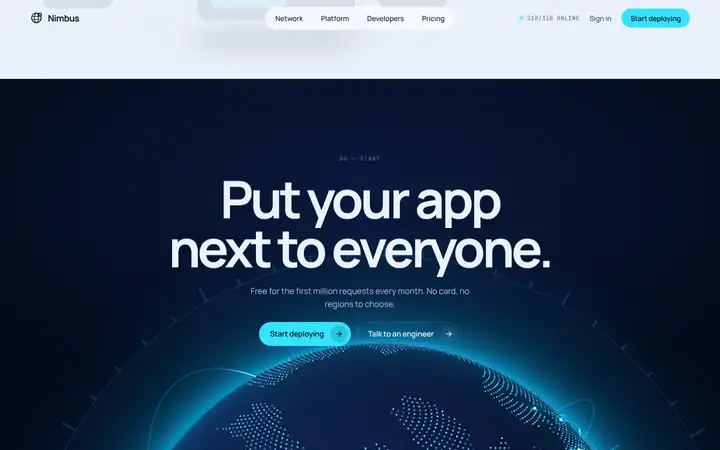
09 — Put your app
15 editable texts
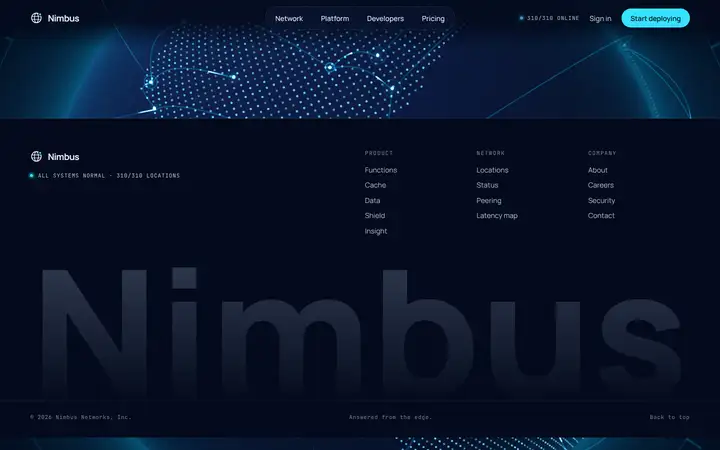
10 — Nimbus
29 editable texts
Overview
A real-time WebGL globe of 12,000 dots and pulsing request arcs is the whole interface of an edge-network site. It fires requests where you point, tours four regions with a rolling latency odometer, shrinks into a live status widget and rises again as a planet.
- Best for
- Cloud platforms, dev tools, infrastructure SaaS
- Signature move
- Point at the globe: dots swell, a request arc fires to the nearest edge city with a live label; drag to spin
- Hero
- Deep navy page, a lit dotted Earth in the middle with glowing arcs, pulses and a tick dial, the headline split into two corners around it, a scrolling live request log, latency specs and a hovered city label.
- Type
- Manrope
What it builds
- 01Hero globe
- 02Distance is latency
- 03The network
- 04Platform track
- 05Developers
- 06Pricing
- 07Closing planet
The prompt
830 lines · 10,956 wordsHow to use it
- 01
Copy
Pick your builder, add your brand if you like, and press Copy.
- 02
Paste
Send it as one message in a new, empty project. Let the builder finish.
- 03
Swap the words
Search for the [BRACKETS] and replace what is left with your own copy.
Result looks different? Here is the sentence that fixes it.