Agency/Drop 01
Parade
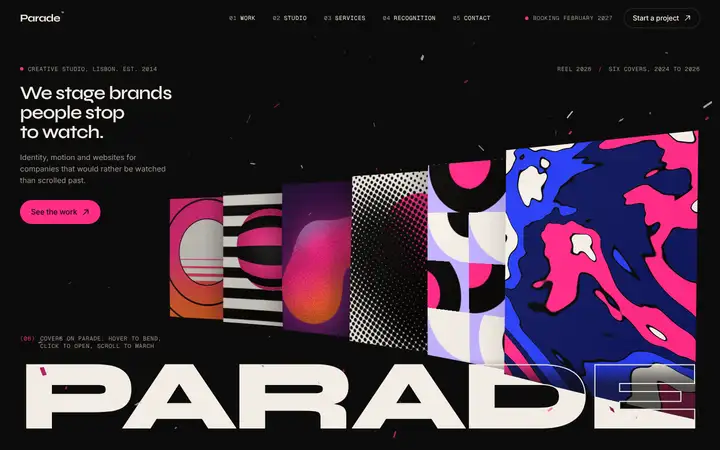
Six living project covers march in 3D, bend under your pointer and open into case studies.
- Real-time 3D
- Shader
- Scroll story
- Page transitions
by Prompto · Pro · 676 lines
Design system · Figma
Take it into Figma.
The colours, the type and every screen of the live demo, ready for your design file or your code. Your brand and colour from “Make it yours” carry through.
Colour · click to copy
Contrast · WCAG 2
- AaForeground on Background16.76:1 AAA
- AaMuted on Background6.79:1 AA
- AaAccent on Background5.56:1 AA
- AaBackground on Accent5.56:1 AA
Type · the most used styles
- ParadeDisplay/50.5 SemiBoldSyne 50.5/55.5
- ParadeHeading/27.5 Bold · SyneSyne 27.5/28.5
- ParadeHeading/26 SemiBoldSyne 26/28.5
- ParadeBody/15 Regular · Inter 2Inter 15/22.5
- ParadeBody/15 Regular · InterInter 15/22.5
- ParadeLabel/11.5 Regular Caps · Geist MonoGeist Mono 11.5/15
- ParadeLabel/11 Regular Caps · Geist MonoGeist Mono 11/14.5
36 text styles in all, Syne, Inter, Geist Mono. All free on Google Fonts.
Storyboard · 17 screens
01 — PARADE
21 editable texts
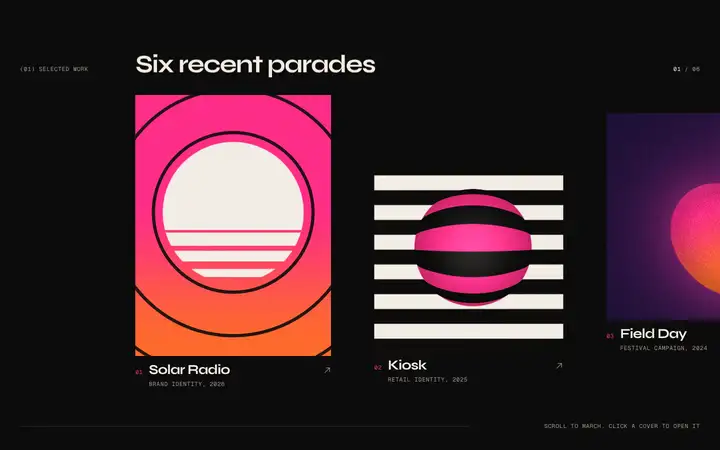
02 — Six recent parades
13 editable texts
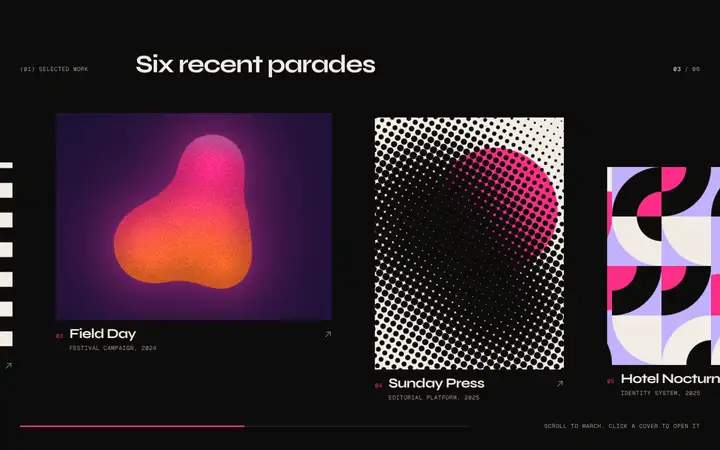
03 — Six recent parades
13 editable texts
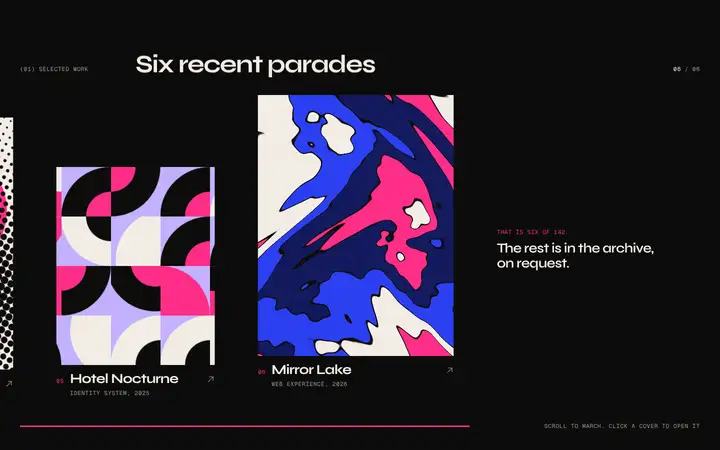
04 — Six recent parades
12 editable texts
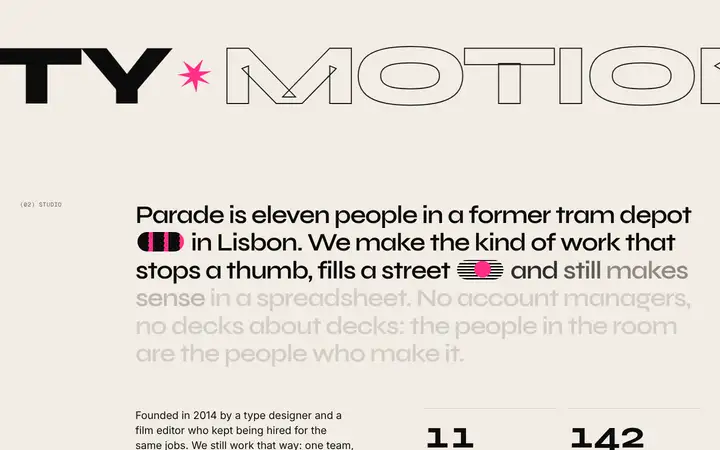
05 — 11
5 editable texts
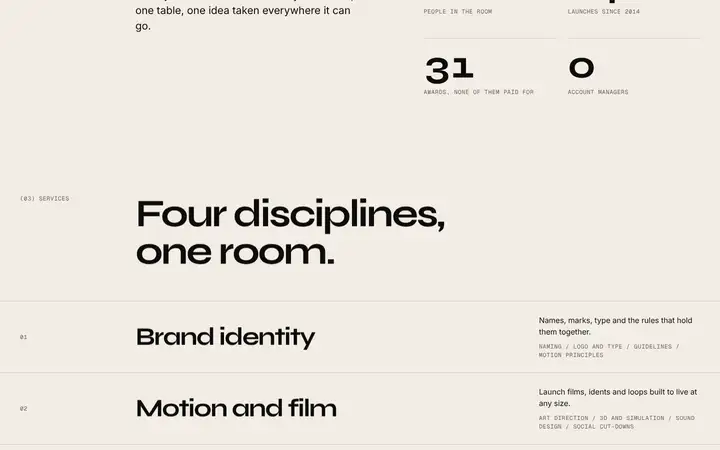
06 — 31
17 editable texts
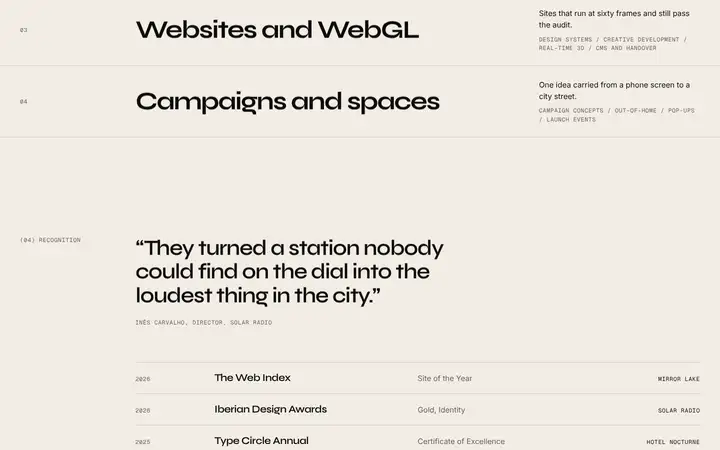
07 — Websites and WebGL
24 editable texts
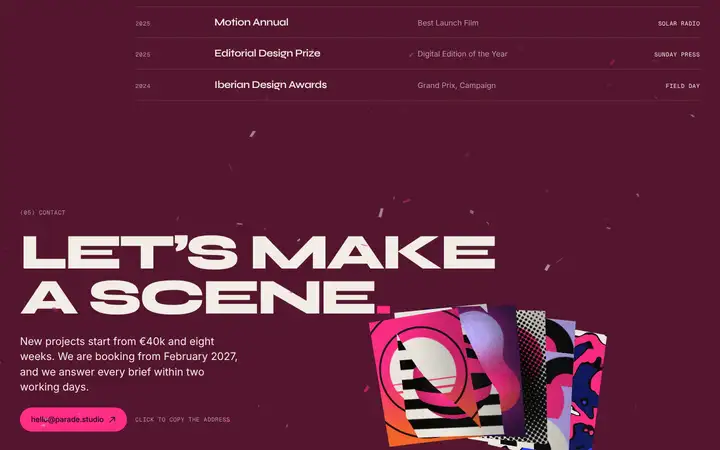
08 — Let’s make
18 editable texts
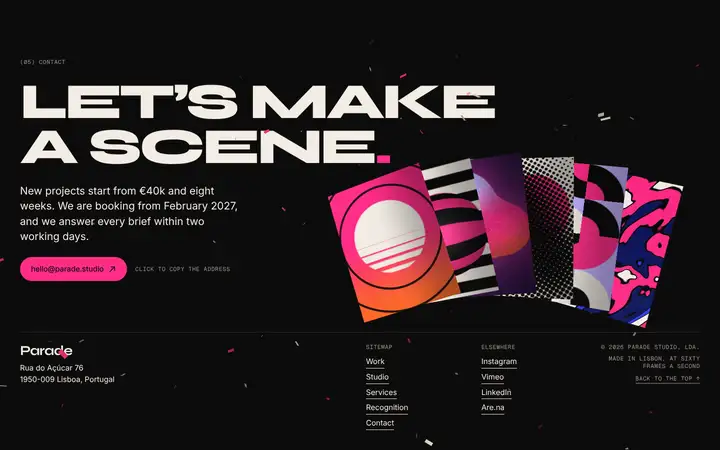
09 — Let’s make
22 editable texts
Overview
A creative studio site built on one WebGL scene: six shader-drawn covers float in a procession over a giant wordmark, fly into a pinned horizontal gallery and fan out again at the end. Click any cover and it grows to fill the screen as the transition into its case study.
- Best for
- Creative studios, agencies, designers, portfolios
- Signature move
- Hover a cover and it ripples like liquid with a colour split; click and it grows into the case study.
- Hero
- Six generative artworks float in a diagonal 3D procession over the huge fitted brand word, whose outline reads through the cover in front of it. Ticker tape falls through the depth; a three-line statement and one pink pill sit top left.
- Type
- Syne with Inter
What it builds
- 01Hero procession
- 02Work gallery
- 03Velocity marquee
- 04Studio
- 05Services
- 06Recognition
- 07Contact and footer
- 08Case study overlay
The prompt
676 lines · 10,728 wordsHow to use it
- 01
Copy
Pick your builder, add your brand if you like, and press Copy.
- 02
Paste
Send it as one message in a new, empty project. Let the builder finish.
- 03
Swap the words
Search for the [BRACKETS] and replace what is left with your own copy.
Result looks different? Here is the sentence that fixes it.