Deep tech/Drop 01
Perihelion
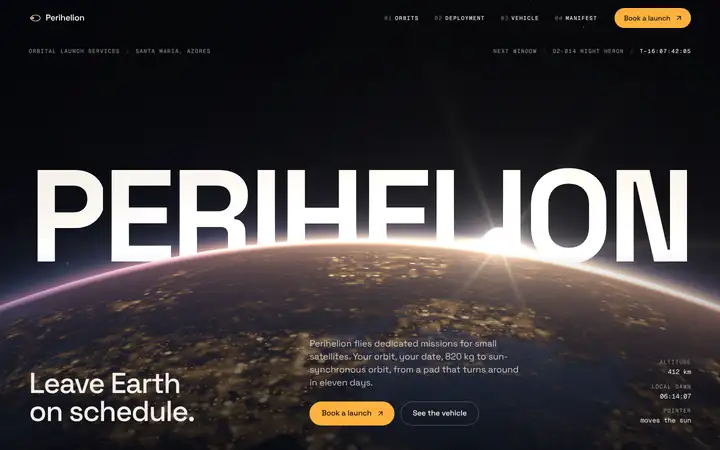
Dawn from orbit: your pointer moves the sun, your scroll flies one orbit around a planet.
- Real-time 3D
- Shader
- Scroll story
- Configurator
by Prompto · Pro · 644 lines
Design system · Figma
Take it into Figma.
The colours, the type and every screen of the live demo, ready for your design file or your code. Your brand and colour from “Make it yours” carry through.
Colour · click to copy
Contrast · WCAG 2
- AaForeground on Background17.5:1 AAA
- AaMuted on Background5.97:1 AA
- AaAccent on Background11.27:1 AAA
- AaBackground on Accent11.27:1 AAA
Type · the most used styles
- PerihelionDisplay/50.5 MediumSpace Grotesk 50.5/53.5
- PerihelionHeading/28 MediumSpace Grotesk 28/29.5
- PerihelionBody/15 Regular · Space GroteskSpace Grotesk 15/22.5
- PerihelionLabel/13 Regular · Geist MonoGeist Mono 13/18
- PerihelionLabel/11 Medium Caps · Geist Mono 2Geist Mono 11/14
- PerihelionLabel/11 Medium Caps · Geist MonoGeist Mono 11/16.5
- PerihelionButton/11 Medium Caps · Geist MonoGeist Mono 11/14
39 text styles in all, Space Grotesk, Geist Mono. All free on Google Fonts.
Storyboard · 17 screens
01 — Leave Earth
19 editable texts
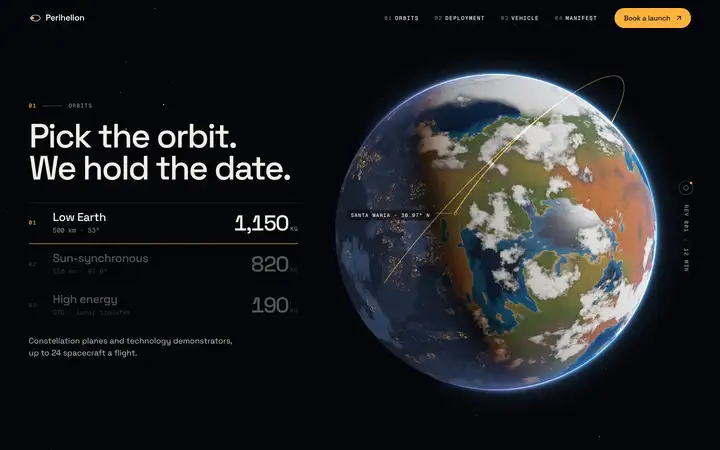
02 — Pick the orbit.
25 editable texts
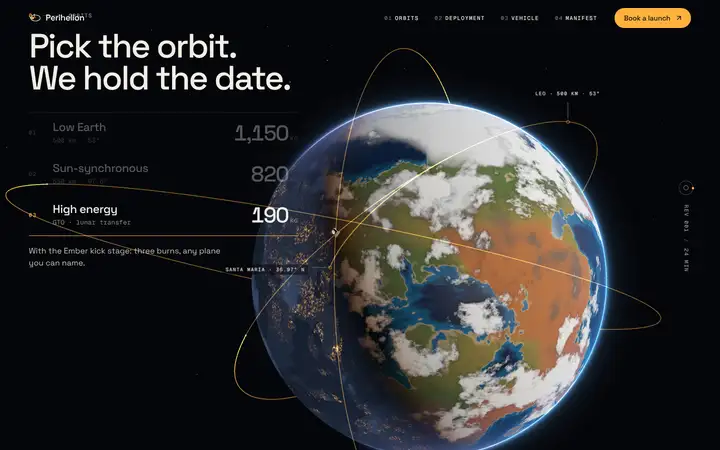
03 — Pick the orbit.
26 editable texts
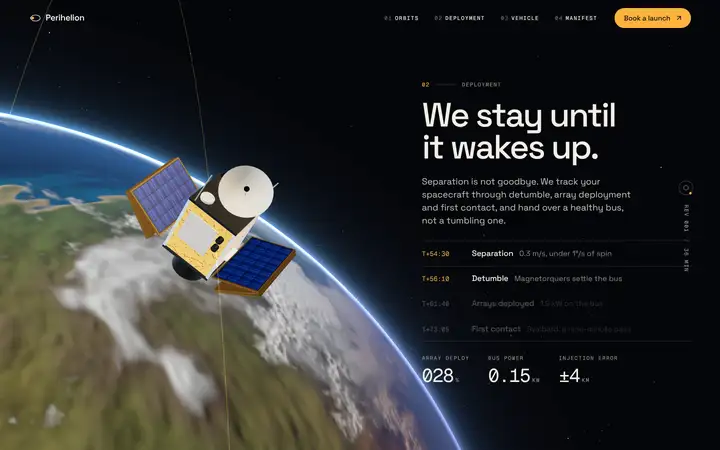
04 — We stay until
30 editable texts
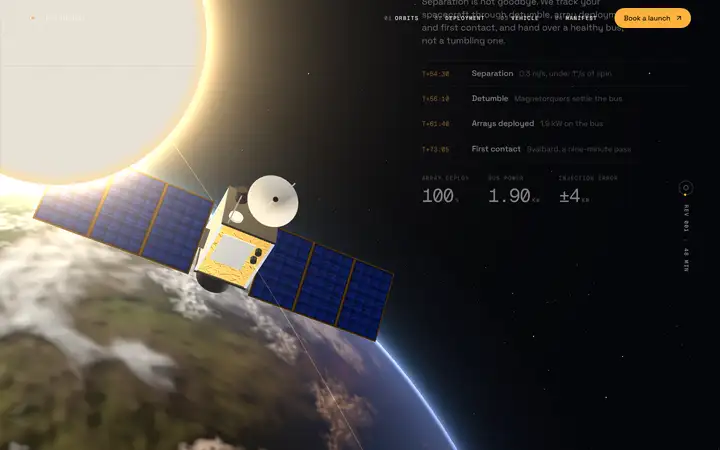
05 — 100%
26 editable texts
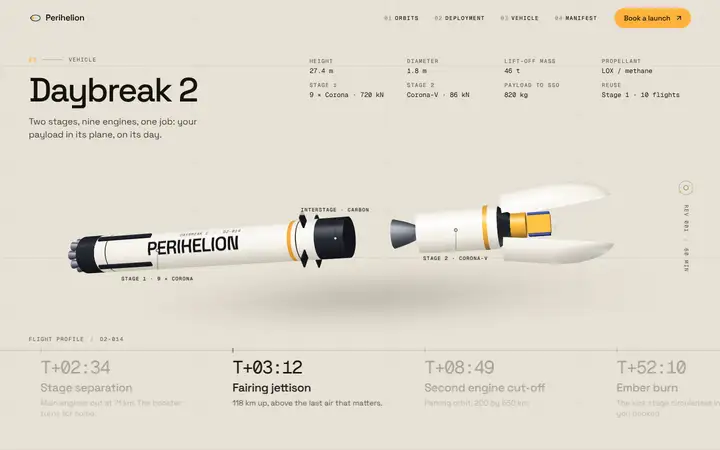
06 — Daybreak 2
43 editable texts
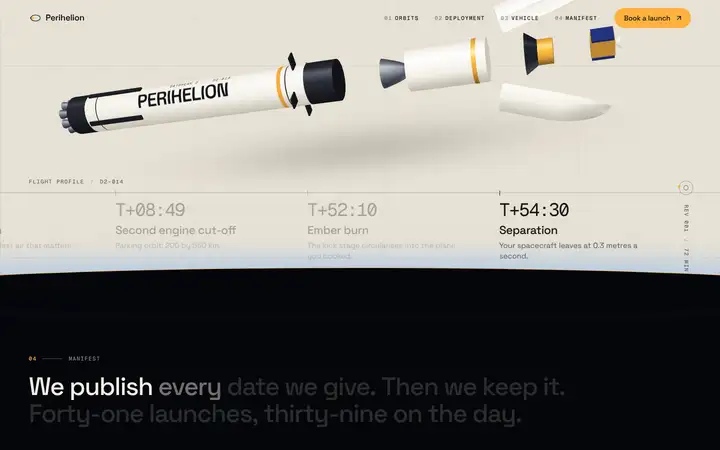
07 — T+08:49
21 editable texts
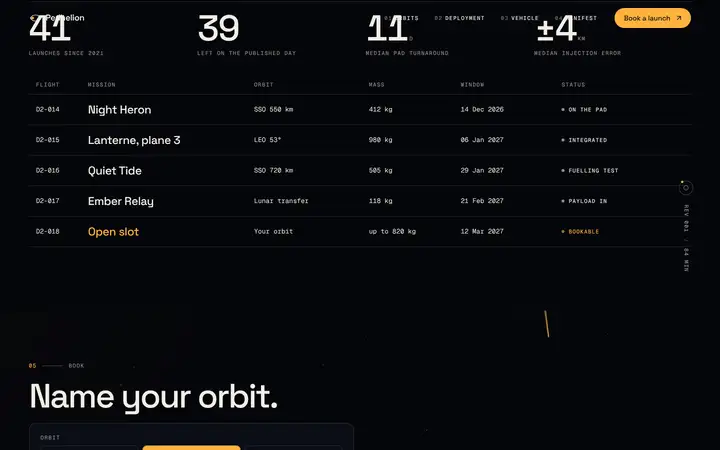
08 — 41
55 editable texts
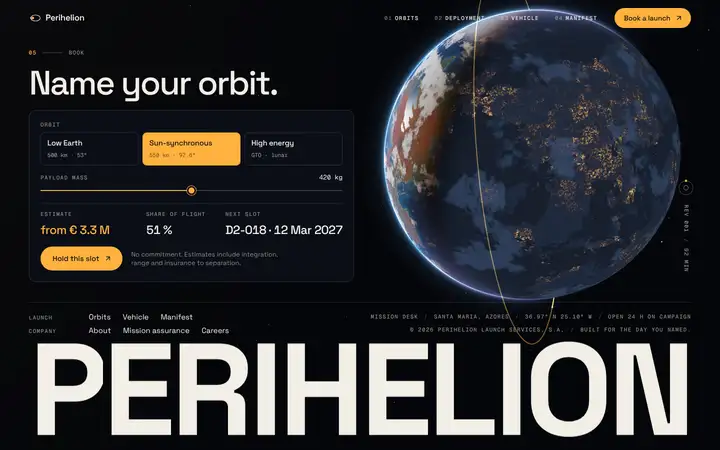
09 — Name your orbit.
37 editable texts
Overview
A launch company site built as a camera journey around a procedural planet: orbits draw themselves, a spacecraft unfolds its arrays, and the sun grows into a wipe that reveals the rocket coming apart stage by stage. Every pixel is generated in code, from city lights to the livery on the booster.
- Best for
- Space and deep-tech startups, hardware launches, R&D labs
- Signature move
- The sun follows your pointer along the dawn limb, relighting planet, air and flare in real time.
- Hero
- A real-time planet seen from orbit at dawn: gold city lights on the night side, a thin arc of lit air, the sun rising on the limb under your pointer, and the giant brand name standing in space behind the horizon.
- Type
- Space Grotesk
What it builds
- 01Hero
- 02Orbits
- 03Deployment
- 04Vehicle
- 05Manifest
- 06Book
- 07Footer
The prompt
644 lines · 10,347 wordsHow to use it
- 01
Copy
Pick your builder, add your brand if you like, and press Copy.
- 02
Paste
Send it as one message in a new, empty project. Let the builder finish.
- 03
Swap the words
Search for the [BRACKETS] and replace what is left with your own copy.
Result looks different? Here is the sentence that fixes it.