Culture/Drop 01
Reel
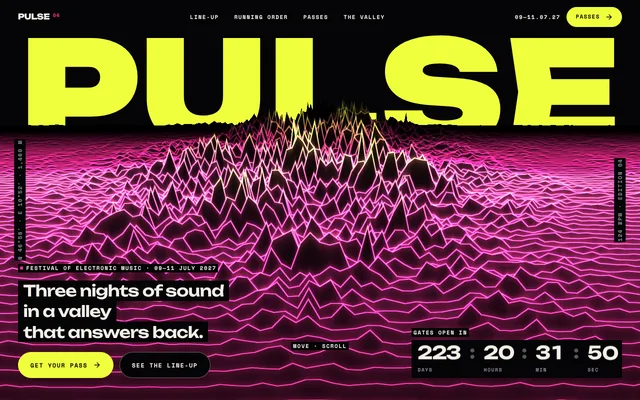
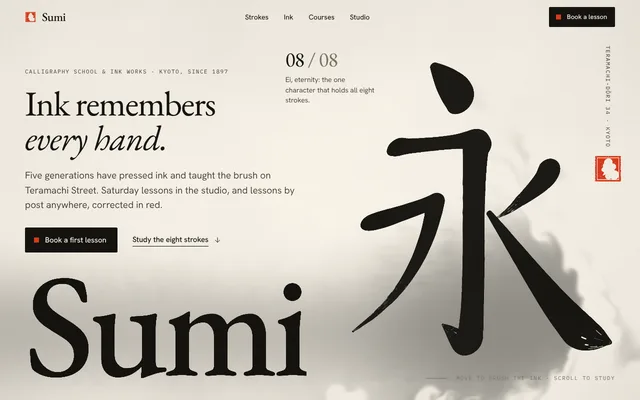
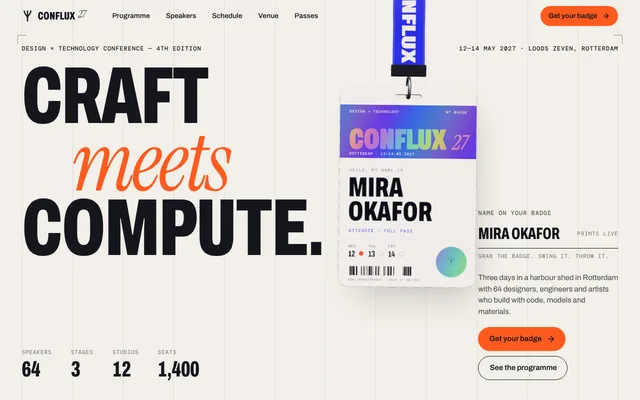
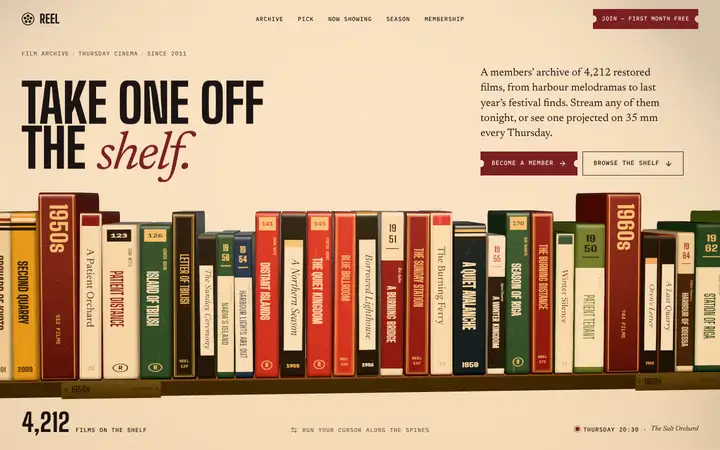
Run your finger along a real 3D shelf of films; pull one off and it opens into its page.
- Real-time 3D
- Shader
- Scroll story
- Page transitions
by Site in One · Pro · 954 lines
Design system · Figma
Take it into Figma.
The colours, the type and every screen of the live demo, ready for your design file or your code. Your brand and colour from “Make it yours” carry through.
Colour · click to copy
Contrast · WCAG 2
- AaForeground on Background15.05:1 AAA
- AaMuted on Background5.25:1 AA
- AaAccent on Background8.5:1 AAA
- AaBackground on Accent8.5:1 AAA
Type · the most used styles
- ReelHeading/25 ExtraBold CapsReel Display 25/38.5
- ReelBody/16 Regular · Reel SerifReel Serif 16/25
- ReelBody/15.5 Regular · Reel SerifReel Serif 15.5/24.5
- ReelLabel/11.5 Medium Caps · Reel Mono 2Reel Mono 11.5/15.5
- ReelLabel/11.5 Medium Caps · Reel MonoReel Mono 11.5/18
- ReelLabel/11.5 RegularReel Mono 11.5/18
- ReelButton/11 Regular CapsReel Mono 11/17.5
42 text styles in all, Reel Display, Reel Serif, Reel Mono. All free on Google Fonts.
Storyboard · 18 screens
01 — Take one off
18 editable texts
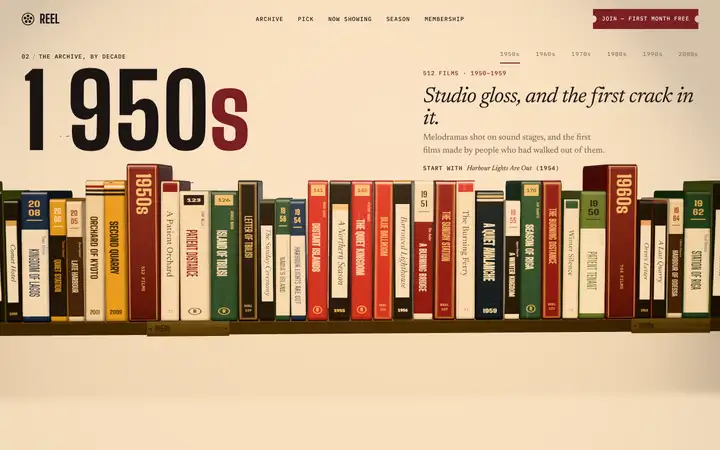
02 — 1 950
20 editable texts
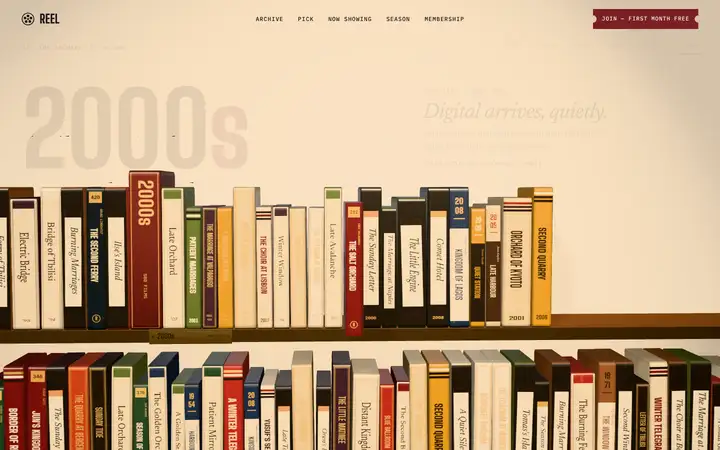
03 — 2000
20 editable texts
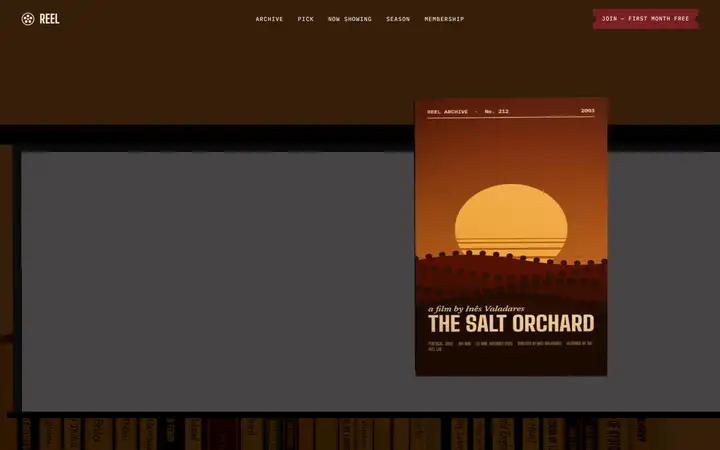
04 — Reel
7 editable texts
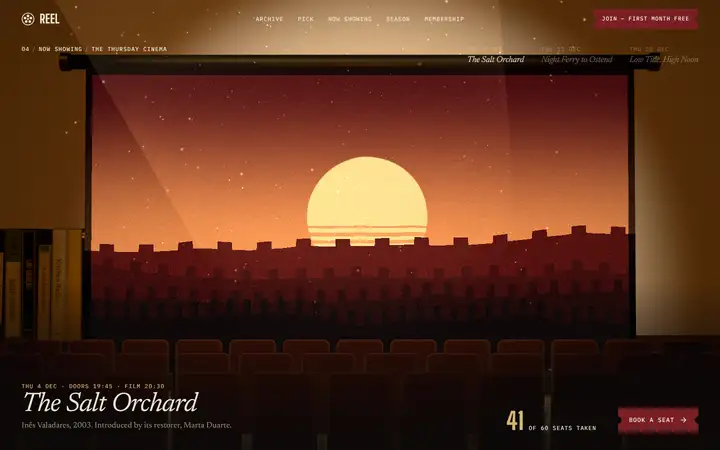
05 — The Salt Orchard
20 editable texts
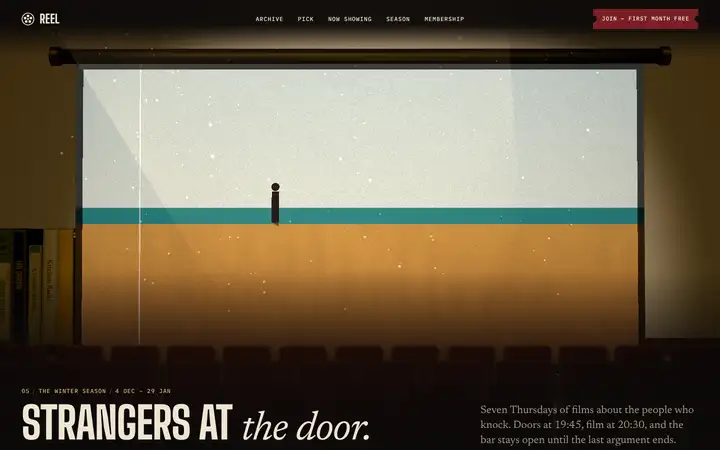
06 — Strangers at the door.
10 editable texts
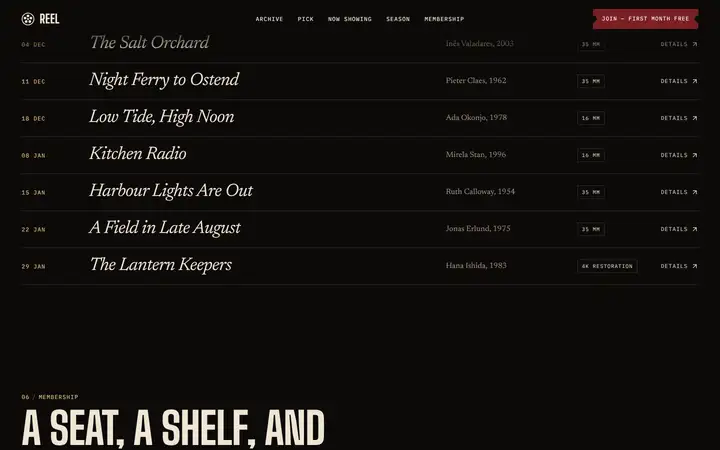
07 — A seat, a shelf, and
44 editable texts
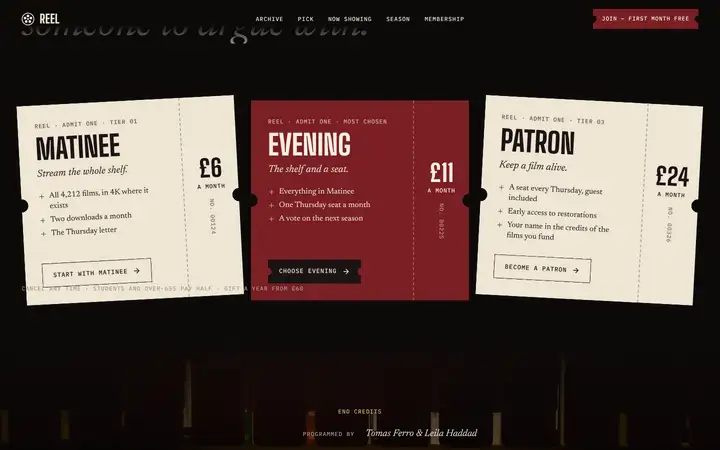
08 — someone to argue with.
19 editable texts
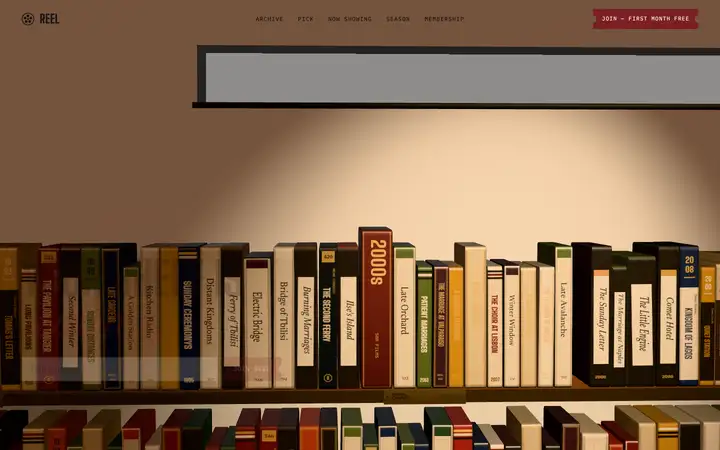
09 — Your shelf is waiting.
12 editable texts
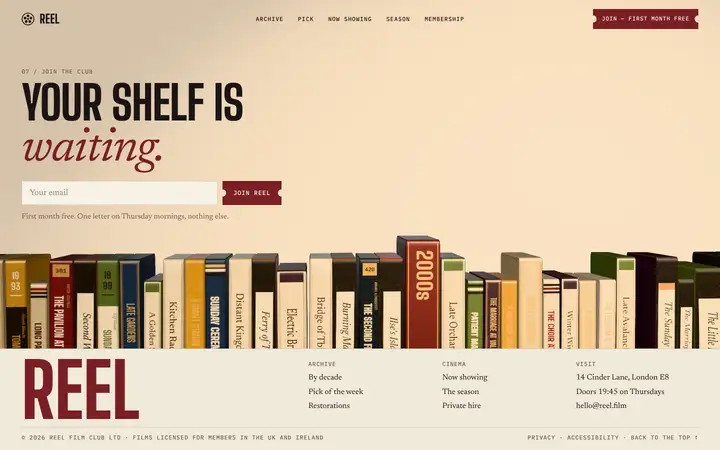
10 — Reel
21 editable texts
Overview
A film archive and Thursday cinema built around one oak shelf of real-time film cases with code-drawn spines. Scroll rolls it through six decades, takes the pick of the week off it, then dims the room and projects that case's cover onto a screen that unrolls in front of the shelf.
- Best for
- Film clubs, archives, cinemas, streaming, libraries
- Signature move
- Spines tip out under the pointer like books under a finger; a click turns the case and opens it into the film page
- Hero
- An oiled-oak shelf of 3D film cases under warm lamplight, every spine printed in code, a brass decade plate on the rail; “Take one off the shelf.” above it, a counter at 4,212 films and a label naming the case under the pointer.
- Type
- Big Shoulders Display with Newsreader
What it builds
- 01Shelf
- 02By decade
- 03Pick of the week
- 04Now showing
- 05Season
- 06Membership
- 07Credits and join
The prompt
954 lines · 12,987 wordsHow to use it
- 01
Copy
Pick your builder, add your brand if you like, and press Copy.
- 02
Paste
Send it as one message in a new, empty project. Let the builder finish.
- 03
Swap the words
Search for the [BRACKETS] and replace what is left with your own copy.
Result looks different? Here is the sentence that fixes it.