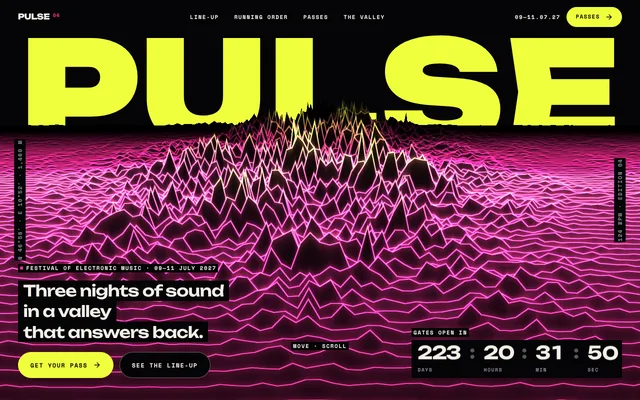
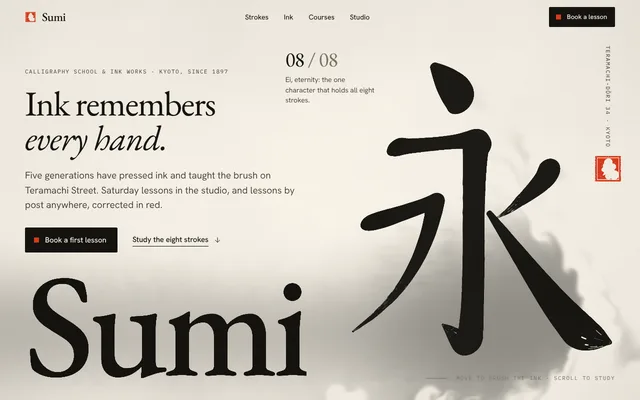
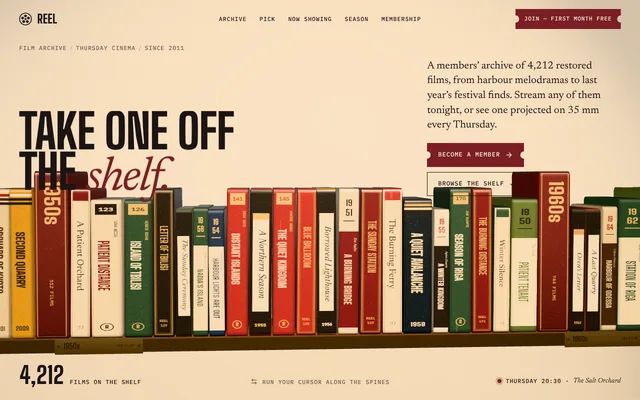
Culture/Drop 01
Conflux
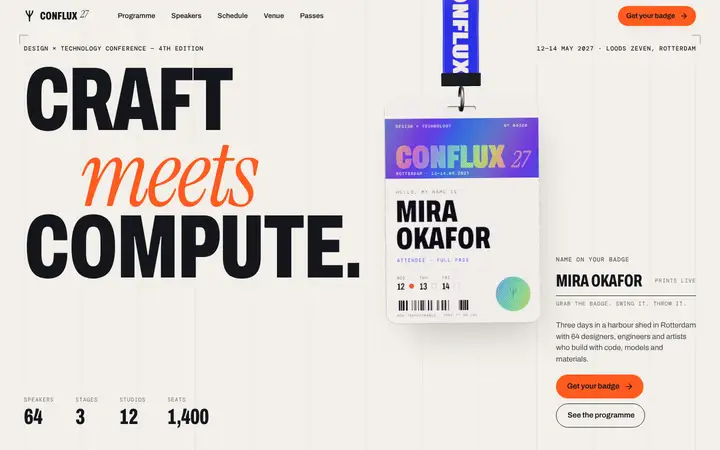
Grab a conference badge on a real lanyard, swing it, throw it, and print your name on it
- Real-time 3D
- Physics
- Shader
- Scroll story
by Site in One · Pro · 1007 lines
Design system · Figma
Take it into Figma.
The colours, the type and every screen of the live demo, ready for your design file or your code. Your brand and colour from “Make it yours” carry through.
Colour · click to copy
Contrast · WCAG 2
- AaForeground on Background15.72:1 AAA
- AaMuted on Background4.65:1 AA
- AaAccent on Background2.72:1 Fail
- AaBackground on Accent2.72:1 Fail
Type · the most used styles
- ConfluxDisplay/49 MediumArchivo 49/56
- ConfluxBody/22 ExtraBold CapsArchivo 22/22
- ConfluxBody/15 SemiBoldArchivo 15/23.5
- ConfluxButton/15 SemiBoldArchivo 15/23.5
- ConfluxBody/14 SemiBoldArchivo 14/21.5
- ConfluxLabel/12 Medium CapsDM Mono 12/15.5
- ConfluxLabel/11 Regular CapsDM Mono 11/15.5
48 text styles in all, Archivo, Instrument Serif, DM Mono. All free on Google Fonts.
Storyboard · 18 screens
01 — Conflux
47 editable texts
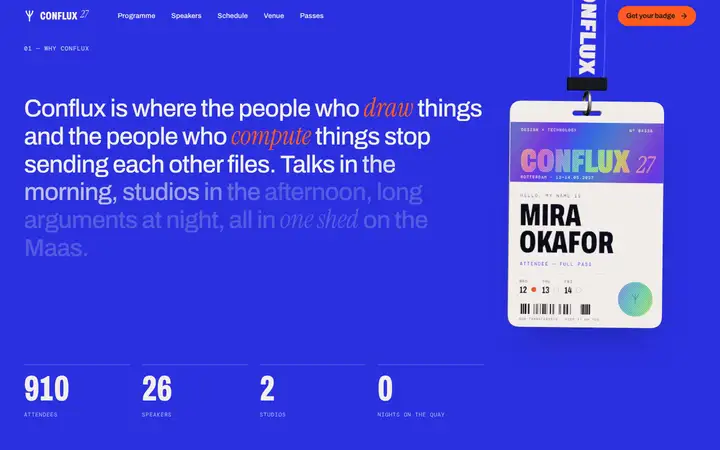
02 — Conflux
38 editable texts
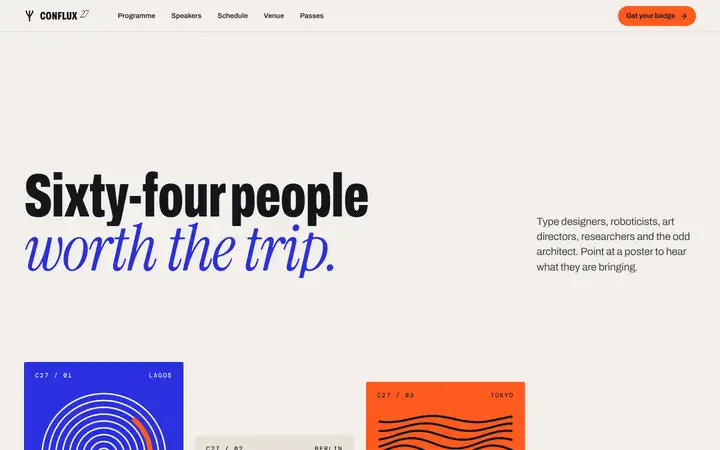
03 — Conflux
31 editable texts
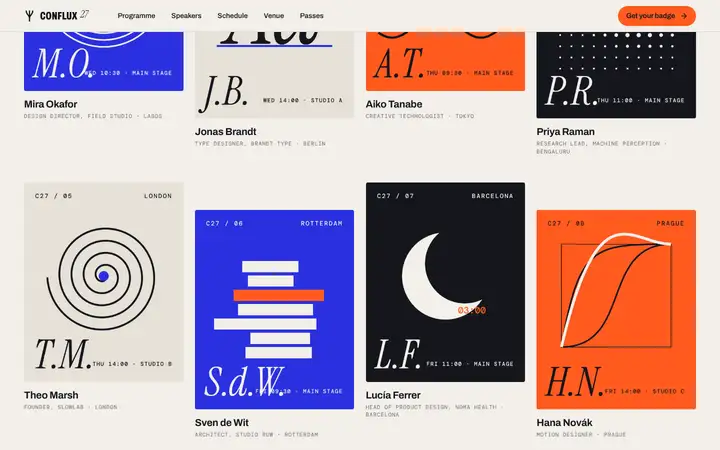
04 — Conflux
43 editable texts
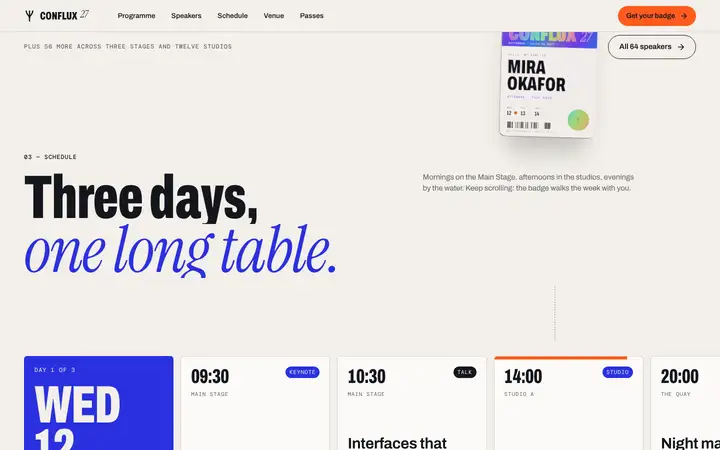
05 — Conflux
46 editable texts
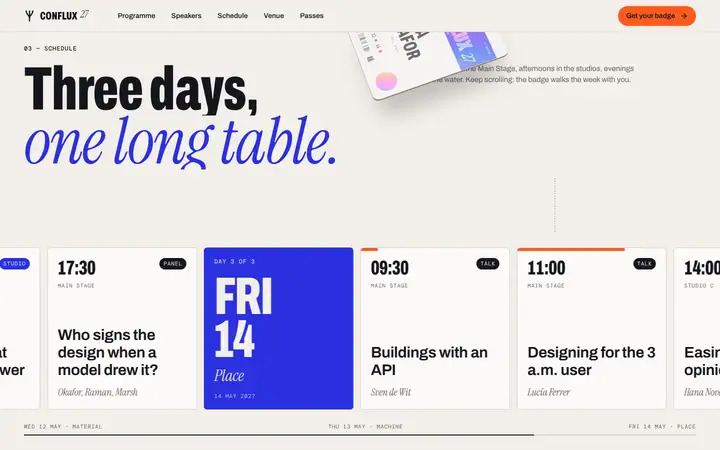
06 — Conflux
58 editable texts
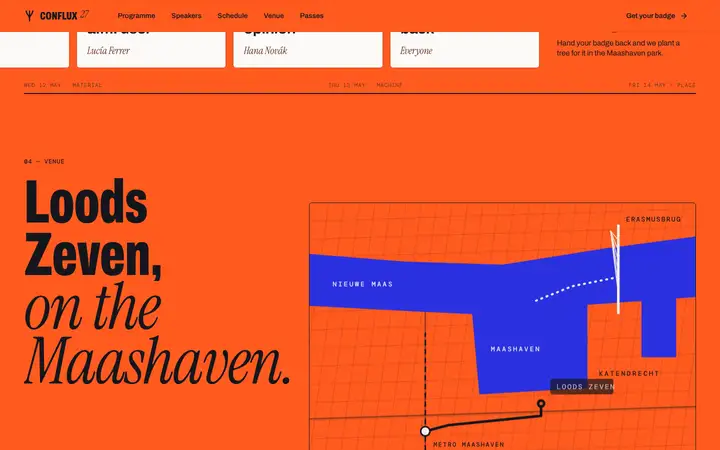
07 — Conflux
44 editable texts
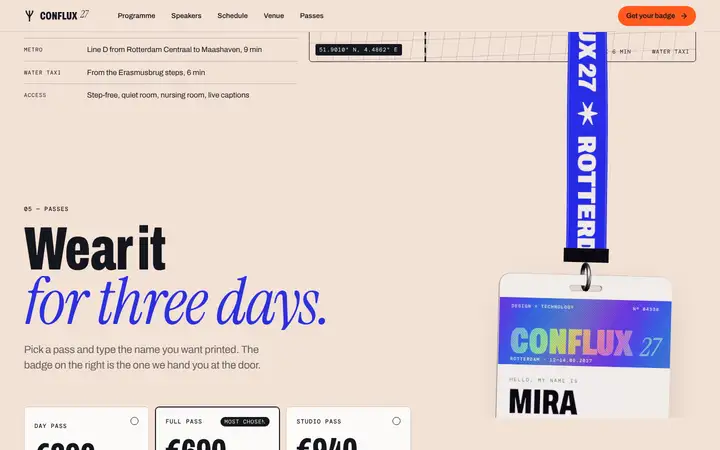
08 — Conflux
48 editable texts
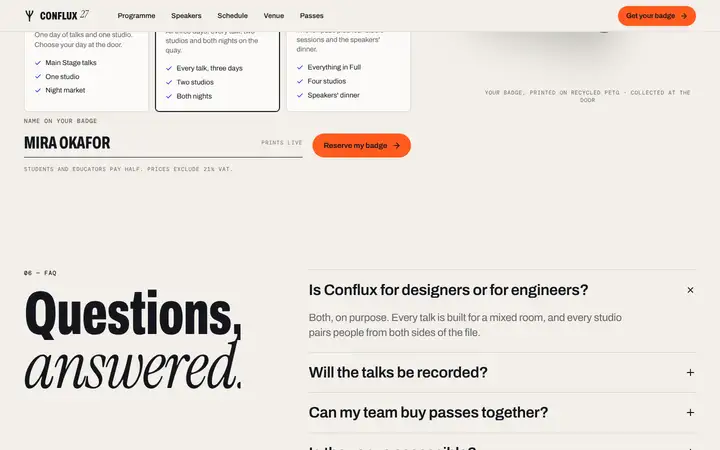
09 — Conflux
49 editable texts
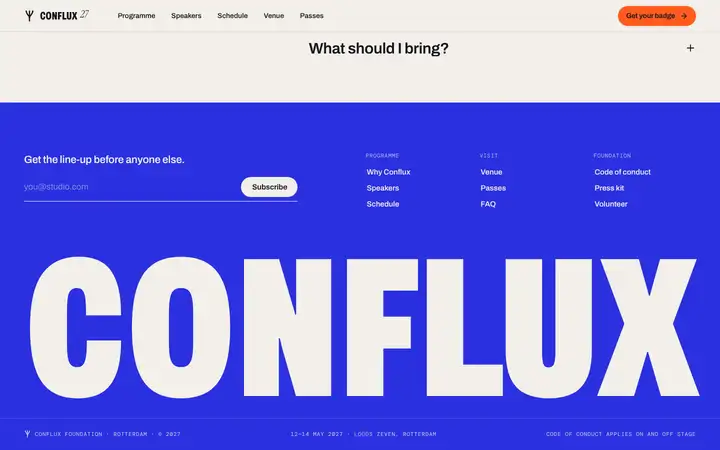
10 — Conflux
29 editable texts
Overview
A design and technology conference site whose holographic badge hangs on a physics lanyard. It falls in, prints the name you type, is yanked away by the scroll as its giant ribbon wipes the screen, grows into the page and walks the schedule as a swinging playhead.
- Best for
- Conferences, festivals, design weeks, events
- Signature move
- A holographic badge on a Verlet lanyard: brush it, grab it, fling it, and it prints the name you type
- Hero
- On print-sheet paper, a holographic conference badge drops in on its ultramarine lanyard beside a giant condensed “CRAFT meets COMPUTE.”; a name types itself onto it, figures count up and a name field prints whatever you type, live.
- Type
- Archivo
What it builds
- 01Hero
- 02Manifesto
- 03Speakers
- 04Schedule
- 05Venue
- 06Passes
- 07FAQ
The prompt
1007 lines · 11,964 wordsHow to use it
- 01
Copy
Pick your builder, add your brand if you like, and press Copy.
- 02
Paste
Send it as one message in a new, empty project. Let the builder finish.
- 03
Swap the words
Search for the [BRACKETS] and replace what is left with your own copy.
Result looks different? Here is the sentence that fixes it.