Places/Drop 01
Kryo
Scroll down a crevasse into a raymarched ice cave, all the way to a 38 °C spring pool
- Shader
- Real-time 3D
- Scroll story
- Page transitions
by Site in One · Pro · 940 lines
Design system · Figma
Take it into Figma.
The colours, the type and every screen of the live demo, ready for your design file or your code. Your brand and colour from “Make it yours” carry through.
Colour · click to copy
Contrast · WCAG 2
- AaForeground on Background16.21:1 AAA
- AaMuted on Background7.2:1 AAA
- AaAccent on Background8.71:1 AAA
- AaBackground on Accent8.71:1 AAA
Type · the most used styles
- KryoDisplay/53.5 RegularItaliana 53.5/61
- KryoHeading/28 RegularItaliana 28/32
- KryoButton/13 RegularHanken Grotesk 13/13
- KryoLabel/13 MediumHanken Grotesk 13/13
- KryoLabel/11 Regular Caps · DM Mono 2DM Mono 11/15.5
- KryoLabel/11 Regular Caps · DM MonoDM Mono 11/11
- KryoLabel/10 Regular Caps · DM Mono 2DM Mono 10/10
46 text styles in all, Italiana, Hanken Grotesk, DM Mono. All free on Google Fonts.
Storyboard · 18 screens
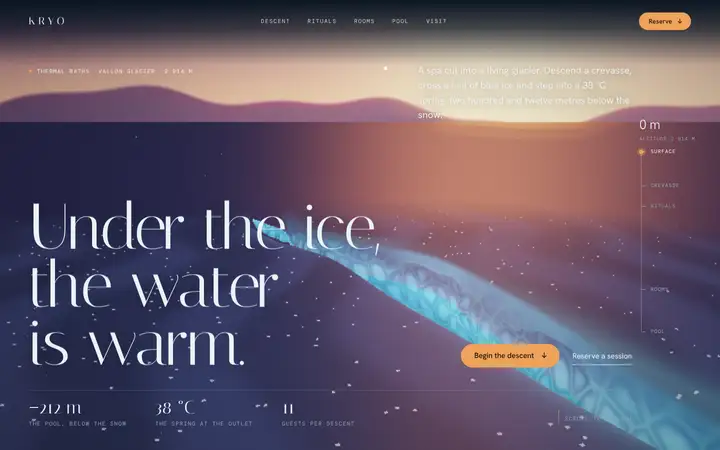
01 — Under the ice,
32 editable texts
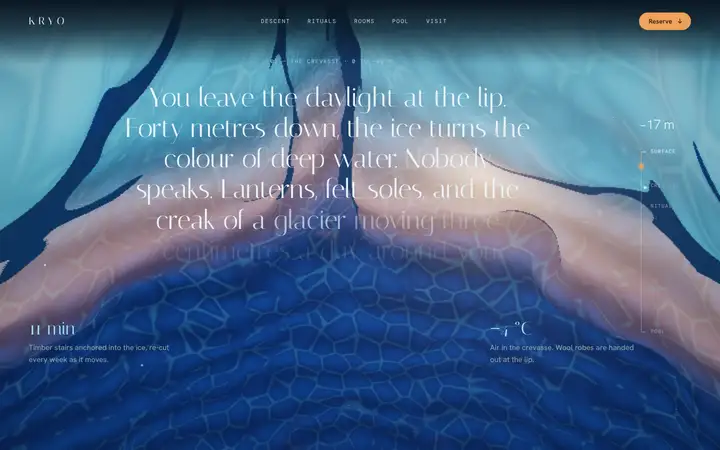
02 — 11 min
21 editable texts
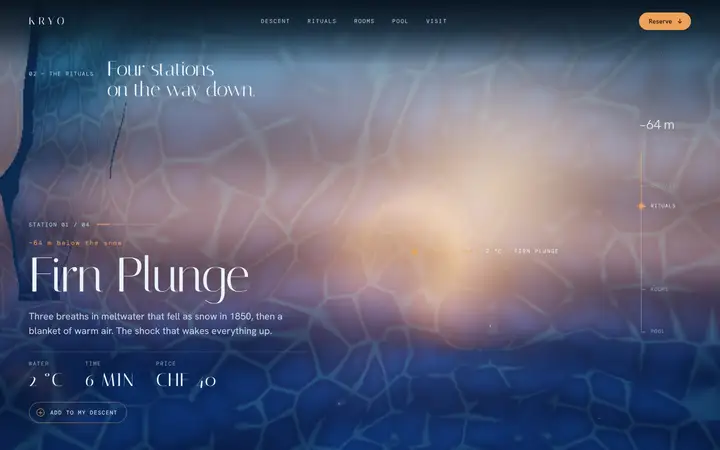
03 — Firn Plunge
30 editable texts
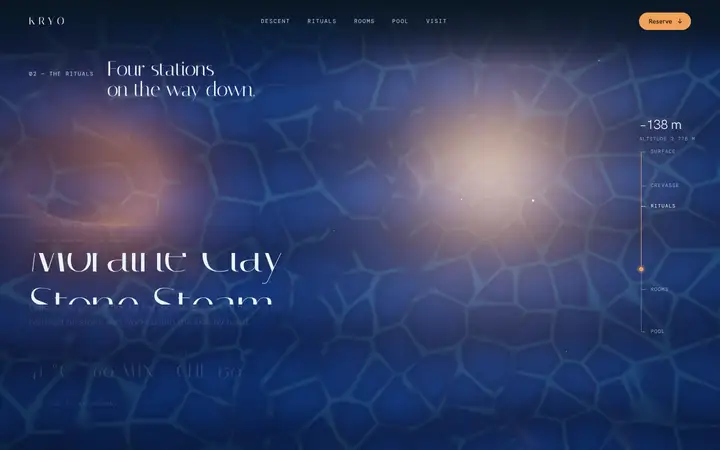
04 — Moraine Clay
28 editable texts
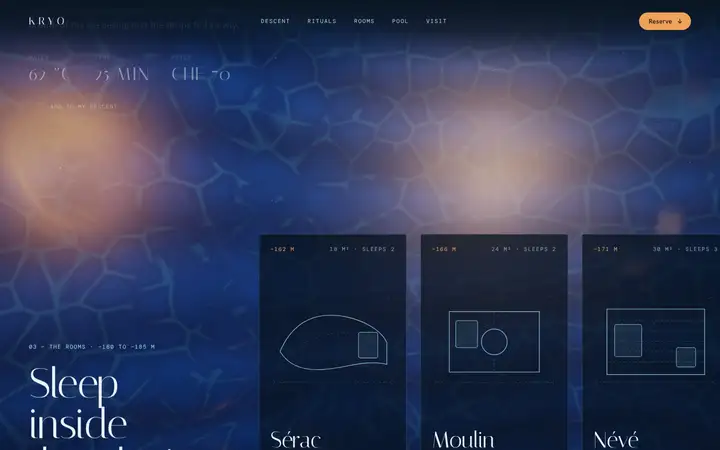
05 — Sleep inside
34 editable texts
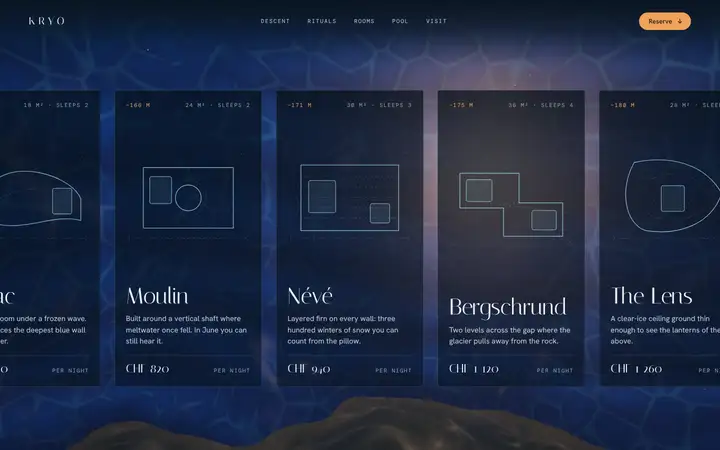
06 — Moulin
35 editable texts
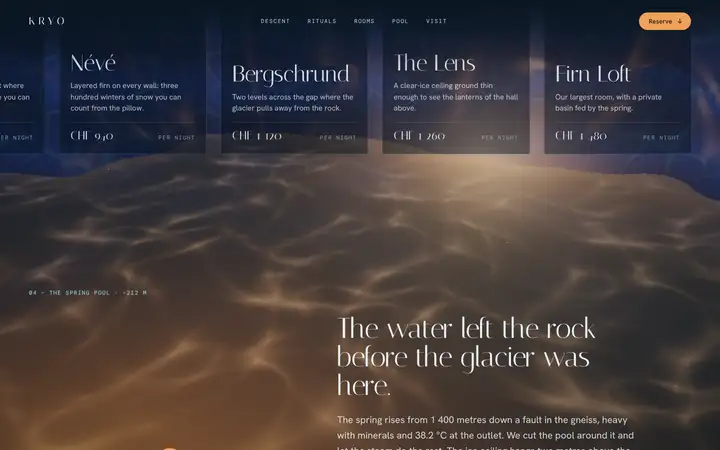
07 — The water left the rock before the…
28 editable texts
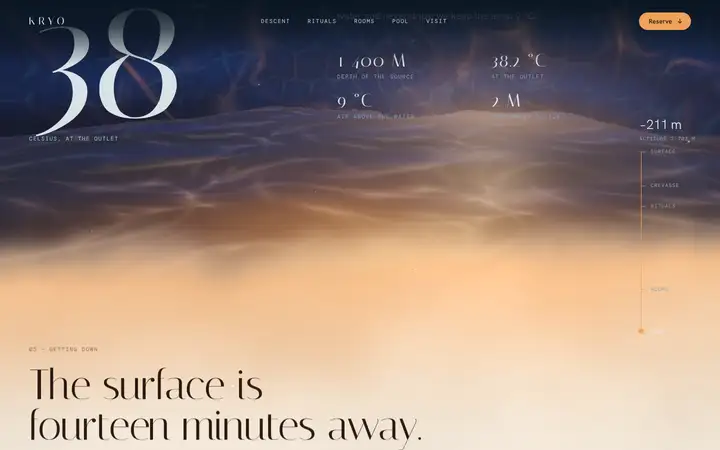
08 — 38
27 editable texts
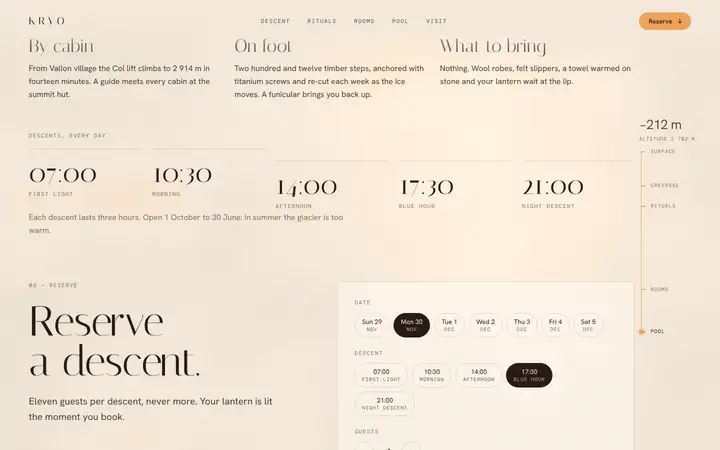
09 — Reserve a descent.
66 editable texts
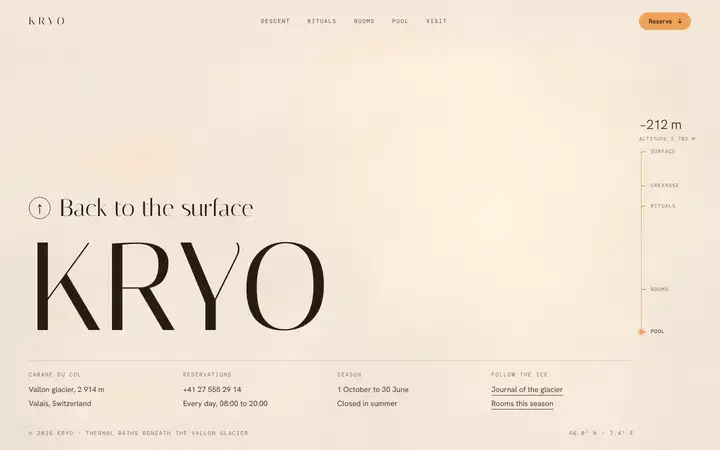
10 — Kryo
28 editable texts
Overview
A thermal spa cut under a glacier, told as one continuous descent through a real-time raymarched world: dusk snow, a glowing crevasse, a hall of scalloped blue ice with lit ritual niches, an amber pool. Then the steam rises and wipes the page to cream.
- Best for
- Spas, hotels, retreats, destinations, wellness
- Signature move
- Scroll is a descent through a live raymarched glacier; your pointer carries a lantern glowing inside the ice
- Hero
- A glacier at dusk under a sunset sky, a crevasse glowing turquoise from below running toward the sun, a warm lantern under the snow following the pointer, and “Under the ice, the water is warm.” in large Italiana with a live depth gauge
- Type
- Italiana with Hanken Grotesk
What it builds
- 01Surface
- 02Crevasse
- 03Rituals
- 04Rooms
- 05Spring pool
- 06Getting down
- 07Reserve
The prompt
940 lines · 12,872 wordsHow to use it
- 01
Copy
Pick your builder, add your brand if you like, and press Copy.
- 02
Paste
Send it as one message in a new, empty project. Let the builder finish.
- 03
Swap the words
Search for the [BRACKETS] and replace what is left with your own copy.
Result looks different? Here is the sentence that fixes it.