AI & SaaS/Drop 01
Noesis
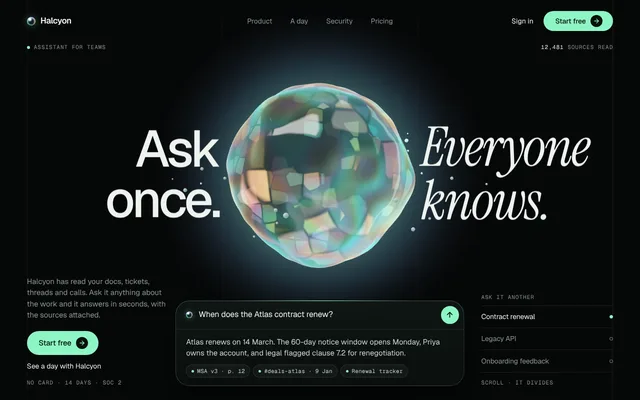
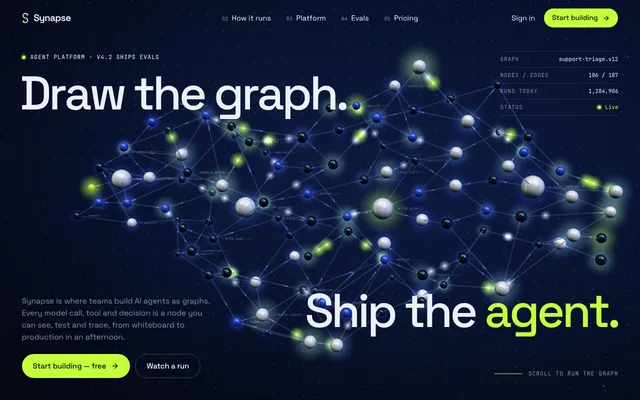
A 60,000-point thought that becomes a hand, a city and a sentence as you scroll
- Particles
- Shader
- Scroll story
- Page transitions
by Site in One · Pro · 900 lines
Design system · Figma
Take it into Figma.
The colours, the type and every screen of the live demo, ready for your design file or your code. Your brand and colour from “Make it yours” carry through.
Colour · click to copy
Contrast · WCAG 2
- AaForeground on Background17.18:1 AAA
- AaMuted on Background6.04:1 AA
- AaAccent on Background7.31:1 AAA
- AaBackground on Accent7.31:1 AAA
Type · the most used styles
- NoesisDisplay/76 MediumInstrument Sans 76/70
- NoesisHeading/33.5 MediumInstrument Sans 33.5/31
- NoesisBody/15 RegularInstrument Sans 15/22.5
- NoesisLabel/11 Regular Caps · IBM Plex MonoIBM Plex Mono 11/15.5
- NoesisLabel/11 Regular Caps · IBM Plex Mono 2IBM Plex Mono 11/16.5
- NoesisButton/10 Regular CapsIBM Plex Mono 10/14
- NoesisLabel/10 RegularIBM Plex Mono 10/15
33 text styles in all, Instrument Sans, IBM Plex Mono. All free on Google Fonts.
Storyboard · 18 screens
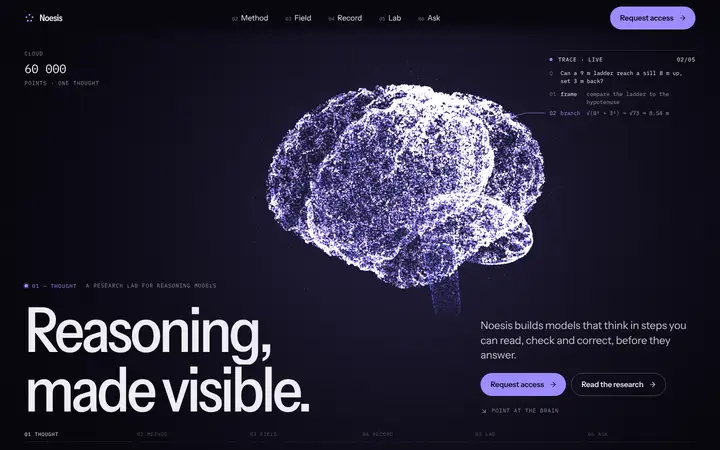
01 — Reasoning,
39 editable texts
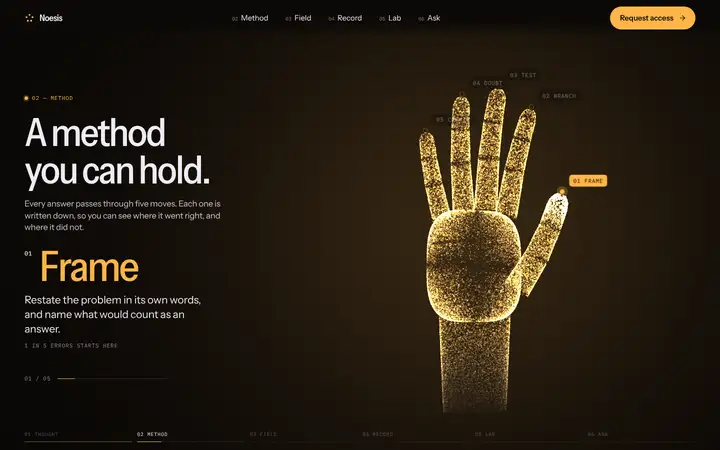
02 — Frame
32 editable texts
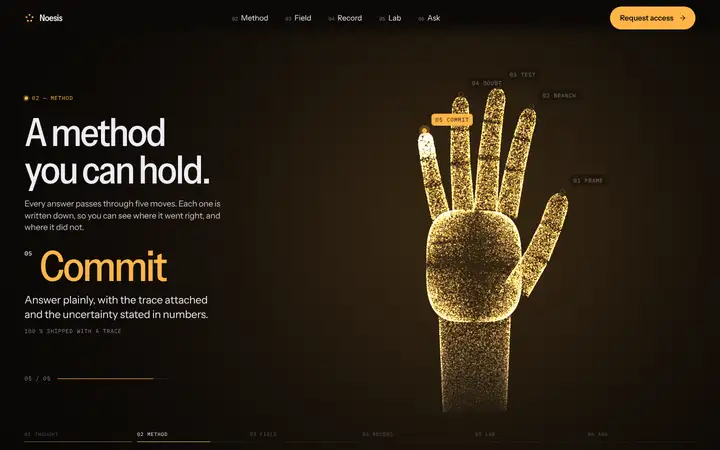
03 — Commit
32 editable texts
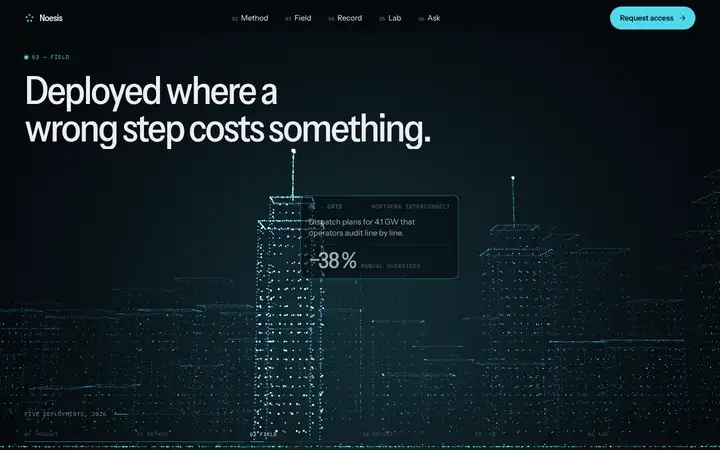
04 — Deployed where a
27 editable texts
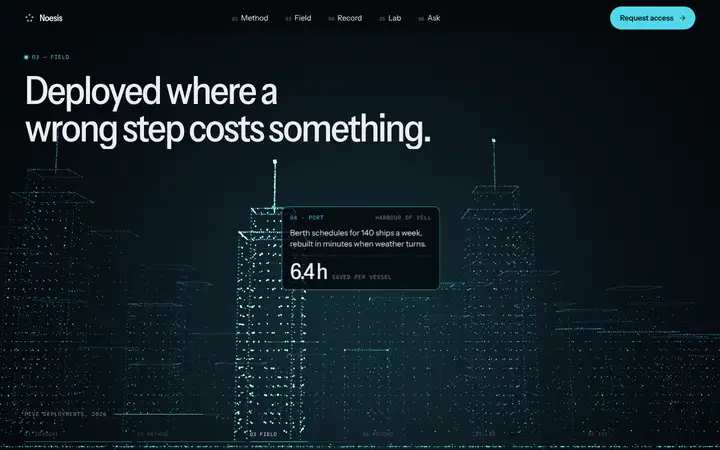
05 — Deployed where a
27 editable texts
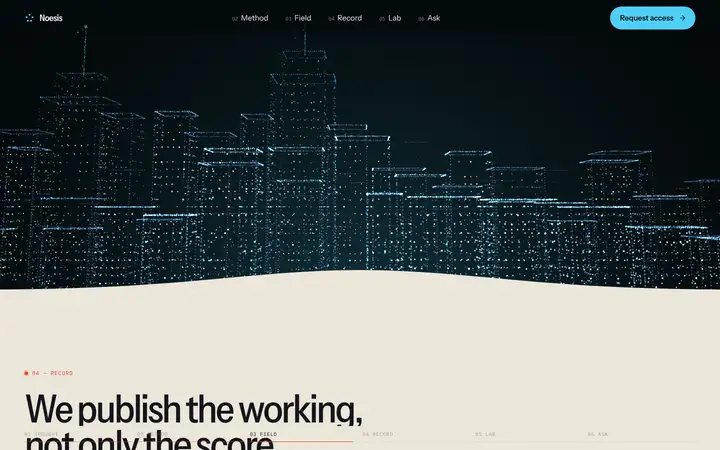
06 — We publish the working,
21 editable texts
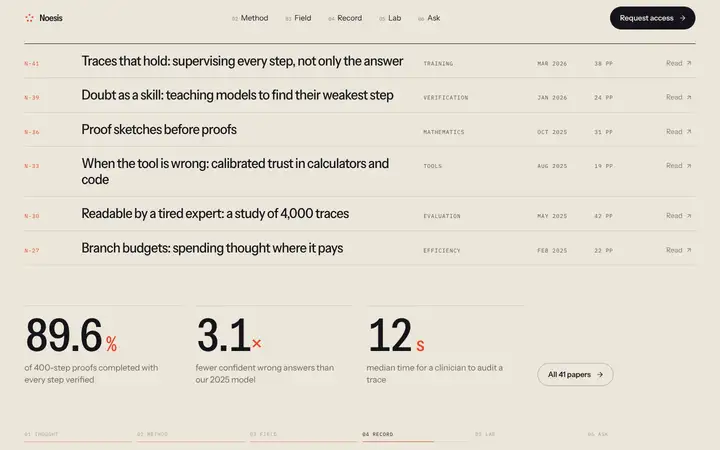
07 — 89.6 %
61 editable texts
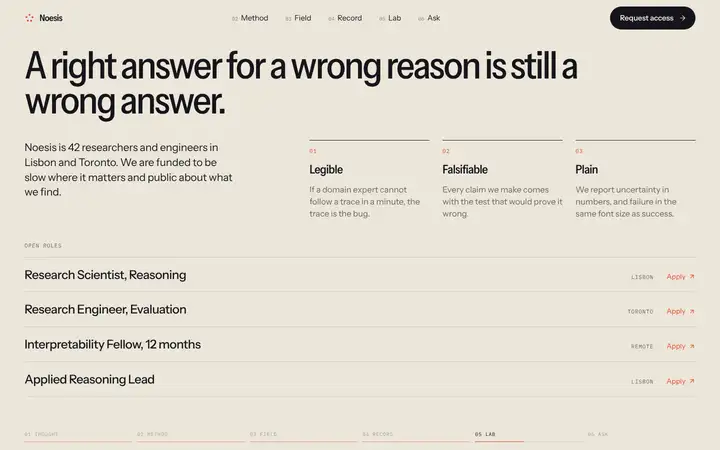
08 — A right answer for a wrong reason i…
43 editable texts
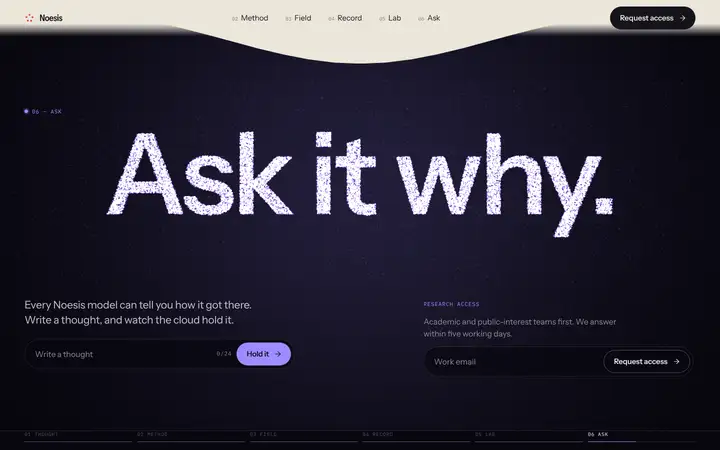
09 — Noesis
27 editable texts
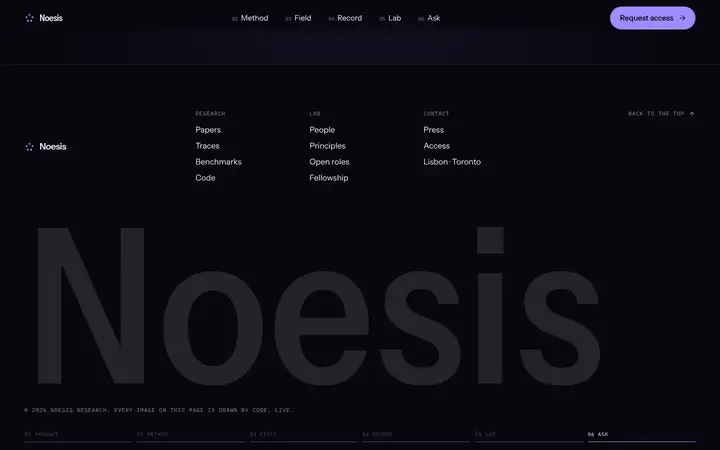
10 — Noesis
29 editable texts
Overview
A research lab for reasoning models whose hero is a live particle brain you can part with the pointer and click lobe by lobe. Each chapter morphs the cloud into a new shape, from an open hand to a night city that pours into paper and rises to write a sentence.
- Best for
- AI labs, research groups, deep-tech and AI SaaS
- Signature move
- 60,000 GPU particles morph brain → hand → city → sentence on scroll; the pointer is a gravity well that parts them
- Hero
- On violet-tinted ink, a glowing particle brain assembles from a single spark beside a live reasoning trace whose steps light its lobes; a two-line headline sits bottom-left, a counter runs to 60 000 and a chapter rail draws in.
- Type
- Instrument Sans
What it builds
- 01Thought
- 02Method
- 03Field
- 04Record
- 05Lab
- 06Ask
The prompt
900 lines · 12,789 wordsHow to use it
- 01
Copy
Pick your builder, add your brand if you like, and press Copy.
- 02
Paste
Send it as one message in a new, empty project. Let the builder finish.
- 03
Swap the words
Search for the [BRACKETS] and replace what is left with your own copy.
Result looks different? Here is the sentence that fixes it.