AI & SaaS/Drop 01
Tessera
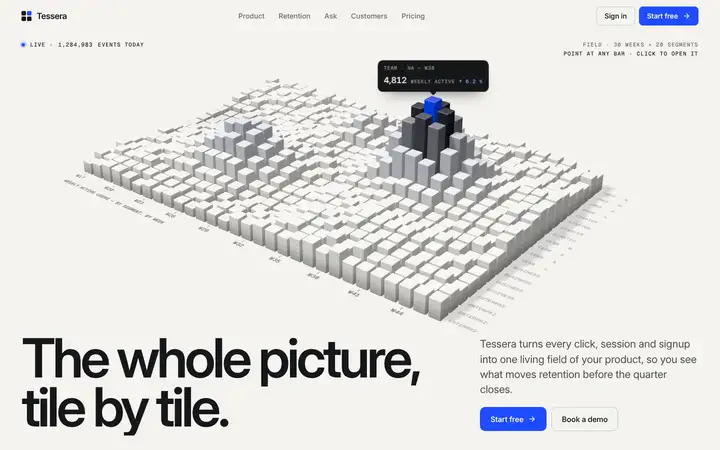
A live field of 600 3D bars you can point at, open and watch rebuild into charts
- Real-time 3D
- Scroll story
- Kinetic type
by Site in One · Pro · 725 lines
Design system · Figma
Take it into Figma.
The colours, the type and every screen of the live demo, ready for your design file or your code. Your brand and colour from “Make it yours” carry through.
Colour · click to copy
Contrast · WCAG 2
- AaForeground on Background16.14:1 AAA
- AaMuted on Background4.45:1 AA Large
- AaAccent on Background5.39:1 AA
- AaBackground on Accent5.39:1 AA
Type · the most used styles
- TesseraBody/17 SemiBoldInter 17/26.5
- TesseraBody/15 Regular · InterInter 15/23.5
- TesseraBody/14 MediumInter 14/21.5
- TesseraBody/14 SemiBoldInter 14/21.5
- TesseraBody/14 RegularInter 14/21.5
- TesseraLabel/11 Medium CapsGeist Mono 11/14.5
- TesseraLabel/10 Medium CapsGeist Mono 10/14
31 text styles in all, Inter, Geist Mono. All free on Google Fonts.
Storyboard · 18 screens
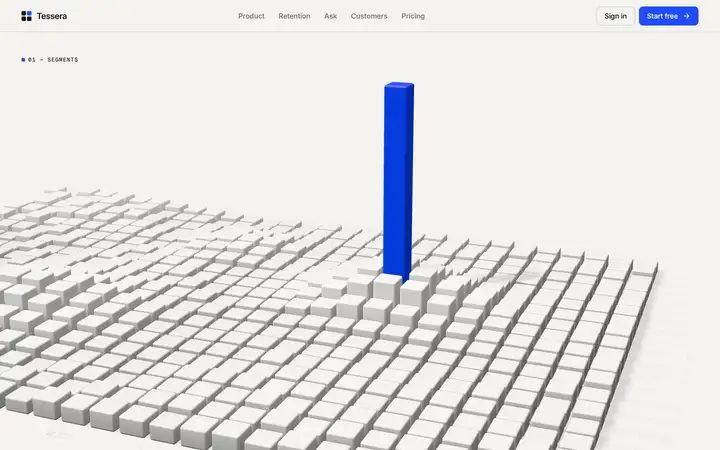
01 — The whole picture,
20 editable texts
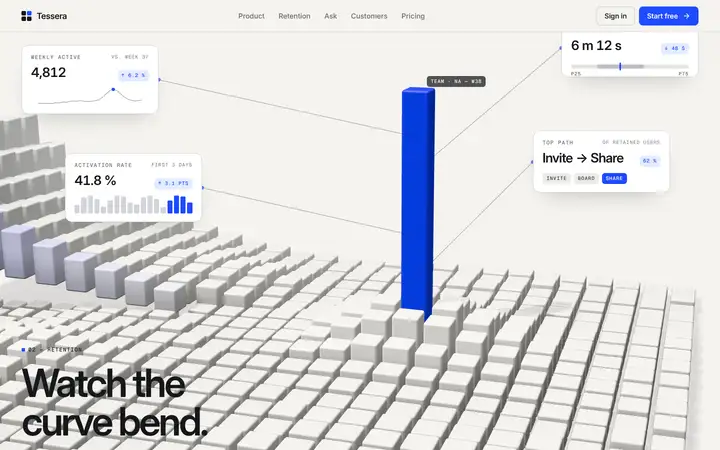
02
9 editable texts
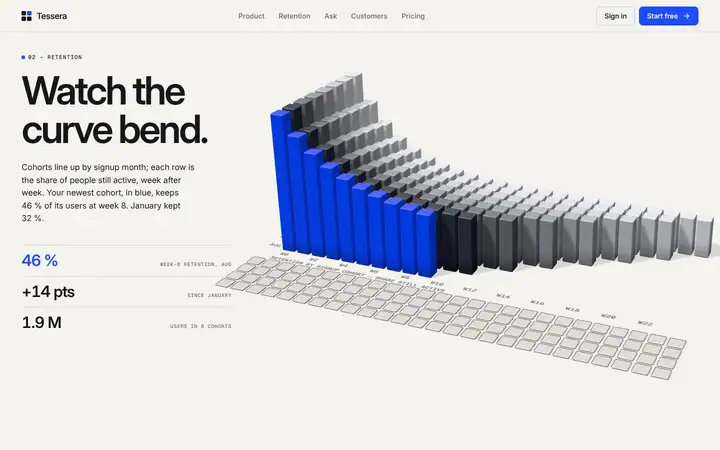
03 — Watch the
36 editable texts
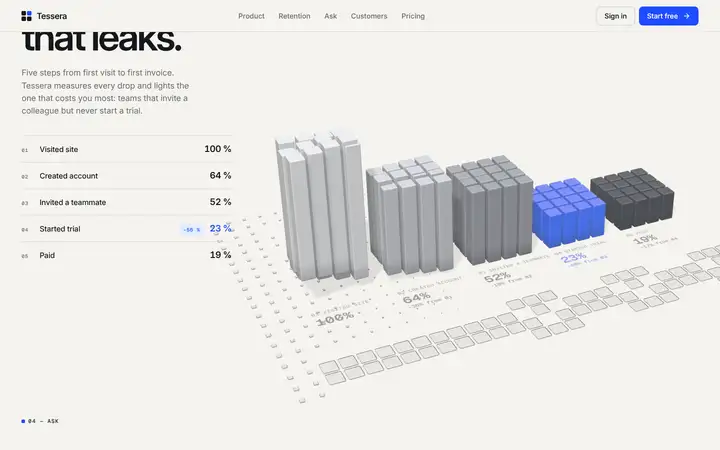
04 — Watch the
22 editable texts
05 — Watch the
37 editable texts
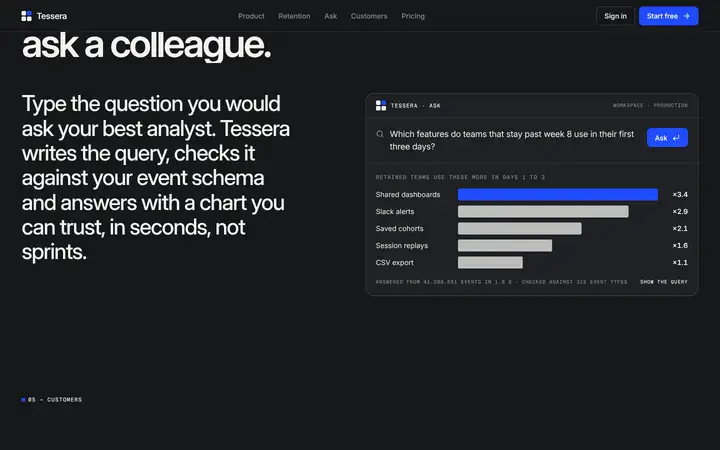
06 — Ask it like you’d
29 editable texts
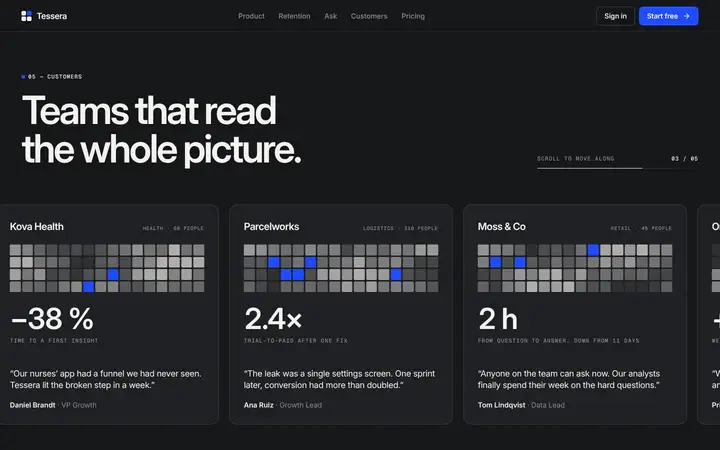
07 — Teams that read
31 editable texts
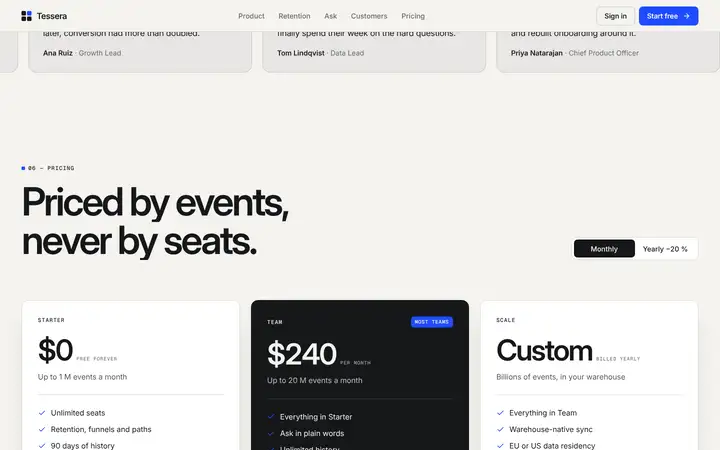
08 — Priced by events,
41 editable texts
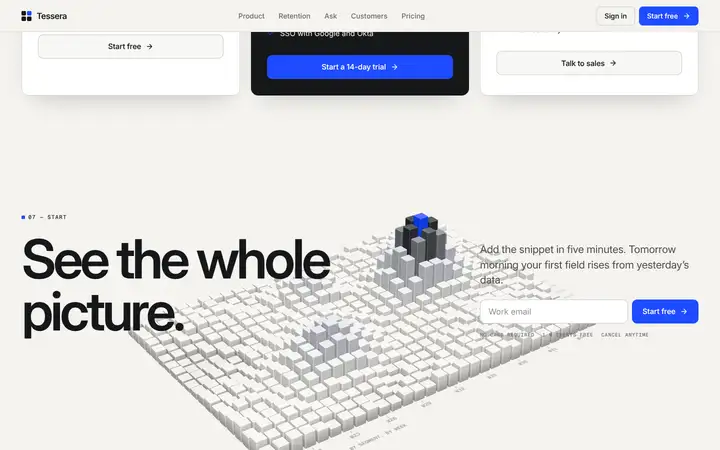
09 — See the whole
26 editable texts
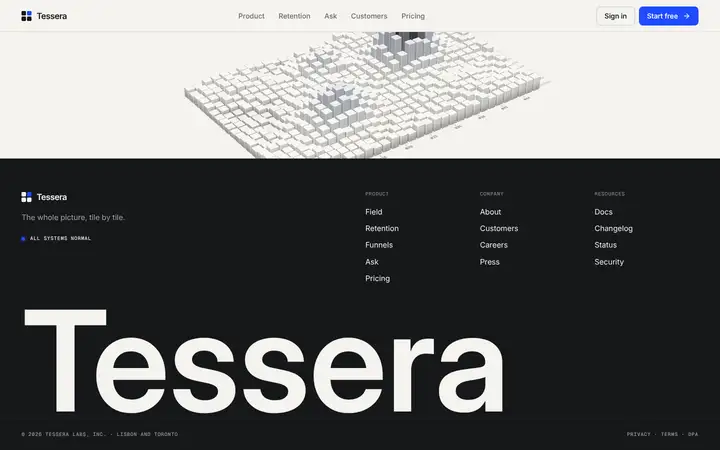
10 — Tessera
30 editable texts
Overview
A product-analytics site whose hero is a real-time field of 600 ceramic bars, one per segment per week. Pointer ripples run through it, a click opens a bar, and the scroll swings the camera down to that bar before the bars fly into a retention chart and a funnel.
- Best for
- SaaS, analytics tools, data and AI products
- Signature move
- 600 instanced 3D bars rise in a wave, ripple under the pointer and fly into a cohort chart and a funnel
- Hero
- On paper white, an isometric field of 600 rounded bars rises in a diagonal wave around a graphite peak crowned by one blue bar with a live data chip; a huge two-line headline sits below with a live event counter above.
- Type
- Inter
What it builds
- 01Field
- 02Segments
- 03Retention
- 04Funnels
- 05Ask
- 06Customers
- 07Pricing
- 08Start
The prompt
725 lines · 11,401 wordsHow to use it
- 01
Copy
Pick your builder, add your brand if you like, and press Copy.
- 02
Paste
Send it as one message in a new, empty project. Let the builder finish.
- 03
Swap the words
Search for the [BRACKETS] and replace what is left with your own copy.
Result looks different? Here is the sentence that fixes it.