Places/Drop 01
Fjord
Fly a real-time Arctic route: the scroll is the journey, the profile is the instrument.
- Real-time 3D
- Shader
- Scroll story
by Site in One · Pro · 633 lines
Design system · Figma
Take it into Figma.
The colours, the type and every screen of the live demo, ready for your design file or your code. Your brand and colour from “Make it yours” carry through.
Colour · click to copy
Contrast · WCAG 2
- AaForeground on Background15.57:1 AAA
- AaMuted on Background6.93:1 AA
- AaAccent on Background5.92:1 AA
- AaBackground on Accent5.92:1 AA
Type · the most used styles
- FjordDisplay/59 RegularNewsreader 59/62.5
- FjordHeading/24 ExtraBold CapsBig Shoulders Display 24/24
- FjordBody/16 RegularNewsreader 16/24
- FjordLabel/11 Medium Caps · IBM Plex MonoIBM Plex Mono 11/15
- FjordLabel/11 Medium Caps · IBM Plex Mono 2IBM Plex Mono 11/16.5
- FjordButton/11 Regular CapsIBM Plex Mono 11/16.5
- FjordButton/10 Regular CapsIBM Plex Mono 10/15
43 text styles in all, Big Shoulders Display, Newsreader, IBM Plex Mono. All free on Google Fonts.
Storyboard · 18 screens
01 — Fjord
21 editable texts
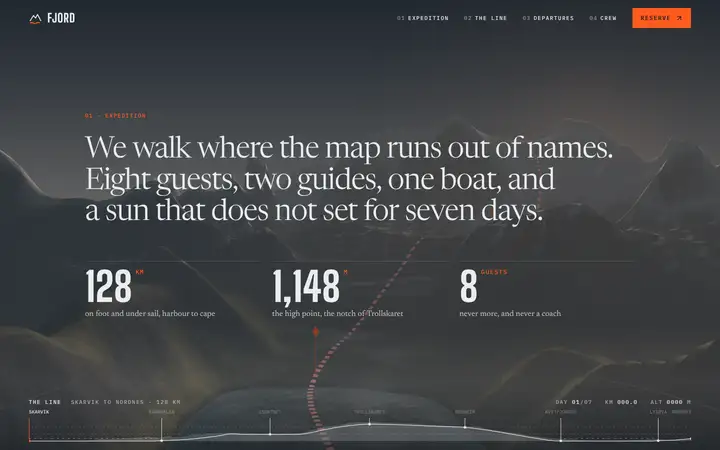
02 — 128
22 editable texts
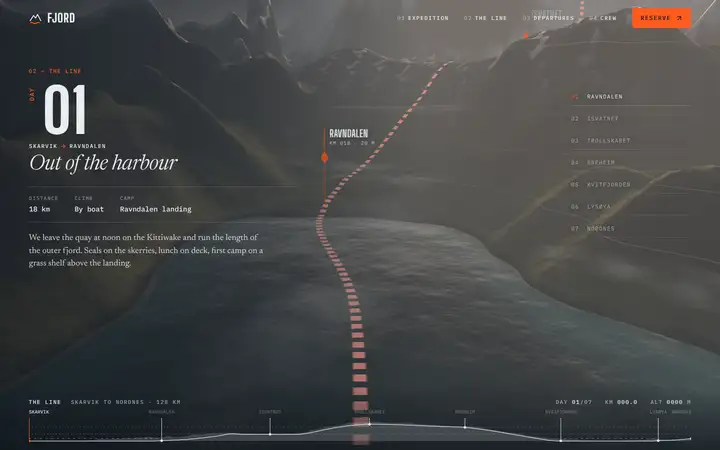
03 — 01
40 editable texts
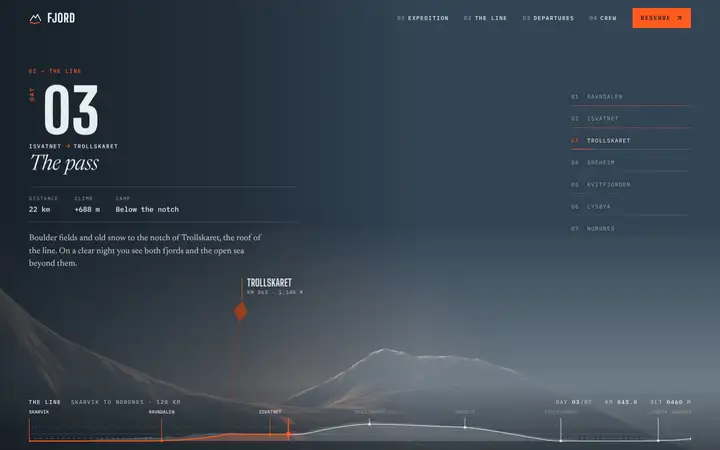
04 — 03
38 editable texts
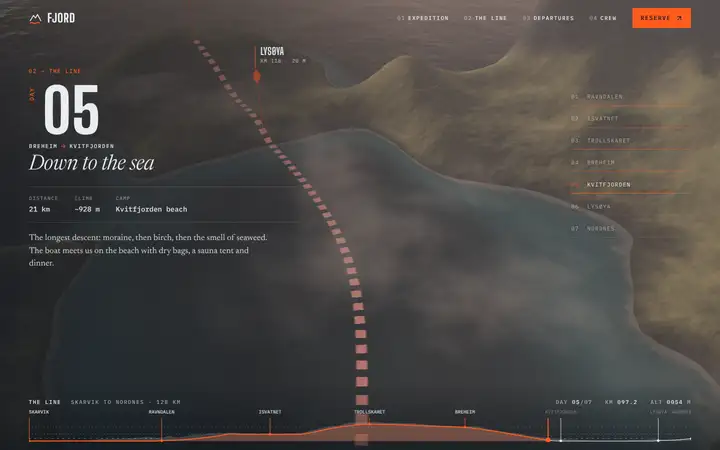
05 — 05
38 editable texts
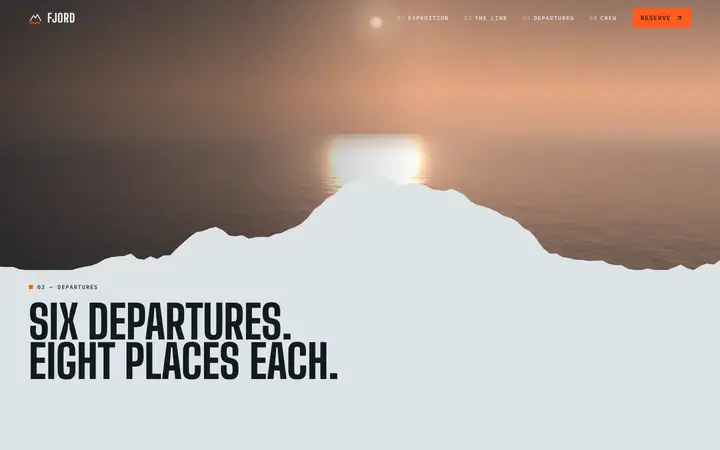
06 — Six departures.
9 editable texts
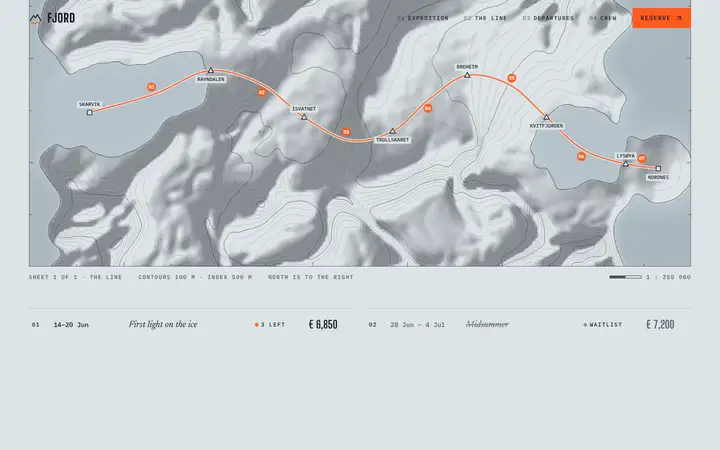
07 — Fjord
20 editable texts
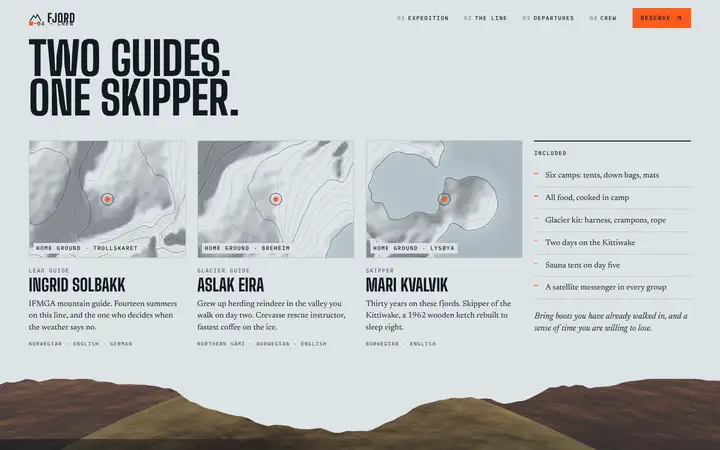
08 — Two guides.
32 editable texts
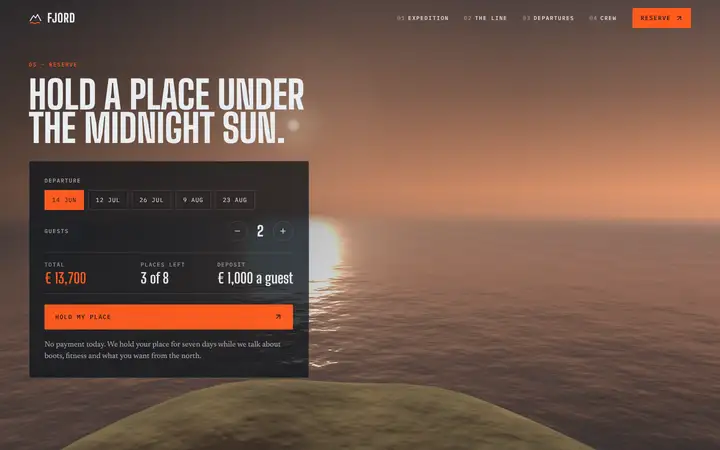
09 — Hold a place under
25 editable texts
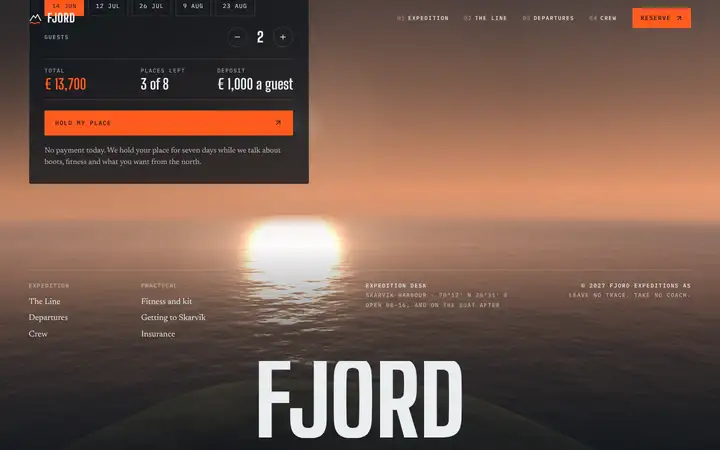
10 — Fjord
30 editable texts
Overview
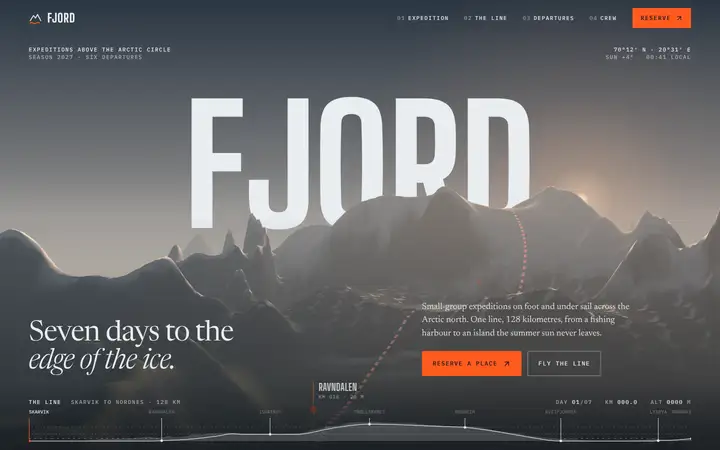
An expedition outfitter's site built as one flight over a procedural fjord landscape, with seven itinerary days pinned to the route and an elevation profile that follows the camera. The profile then rises into a paper contour map drawn from the same terrain, and the page ends facing the midnight sun.
- Best for
- Travel and outdoor brands, tour operators, expeditions
- Signature move
- Scroll flies the camera along a painted route over live terrain; the pointer looks around; the profile follows.
- Hero
- A real-time fjord seen from its mouth: the giant brand name stands in the sky behind real mountains that cover its feet, the midnight sun glows beside it, an orange route runs up the valley and an elevation profile draws itself along the bottom.
- Type
- Big Shoulders Display with Newsreader
What it builds
- 01Hero
- 02Expedition
- 03The Line
- 04Departures
- 05Crew
- 06Reserve
- 07Footer
The prompt
633 lines · 10,737 wordsHow to use it
- 01
Copy
Pick your builder, add your brand if you like, and press Copy.
- 02
Paste
Send it as one message in a new, empty project. Let the builder finish.
- 03
Swap the words
Search for the [BRACKETS] and replace what is left with your own copy.
Result looks different? Here is the sentence that fixes it.