Deep tech/Drop 01
Civitas
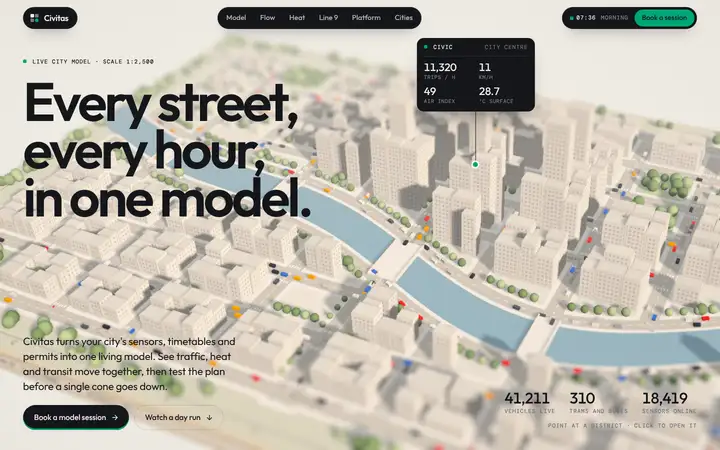
A tilt-shift model city you focus with the pointer, running a whole day as you scroll
- Real-time 3D
- Shader
- Scroll story
- Page transitions
by Site in One · Pro · 819 lines
Design system · Figma
Take it into Figma.
The colours, the type and every screen of the live demo, ready for your design file or your code. Your brand and colour from “Make it yours” carry through.
Colour · click to copy
Contrast · WCAG 2
- AaForeground on Background15.77:1 AAA
- AaMuted on Background4.2:1 AA Large
- AaAccent on Background2.72:1 Fail
- AaBackground on Accent2.72:1 Fail
Type · the most used styles
- CivitasHeading/25.5 MediumOutfit 25.5/27
- CivitasBody/17 SemiBoldOutfit 17/25
- CivitasBody/16 RegularOutfit 16/24
- CivitasBody/14.5 MediumOutfit 14.5/21.5
- CivitasLabel/11.5 Medium CapsDM Mono 11.5/15
- CivitasLabel/10.5 Regular CapsDM Mono 10.5/15
- CivitasLabel/10 Medium CapsDM Mono 10/15
43 text styles in all, Outfit, DM Mono. All free on Google Fonts.
Storyboard · 18 screens
01 — Every street,
34 editable texts
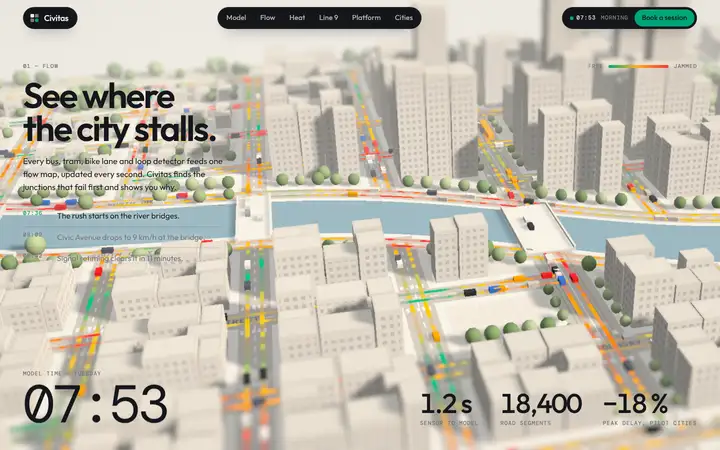
02 — 07:53
29 editable texts
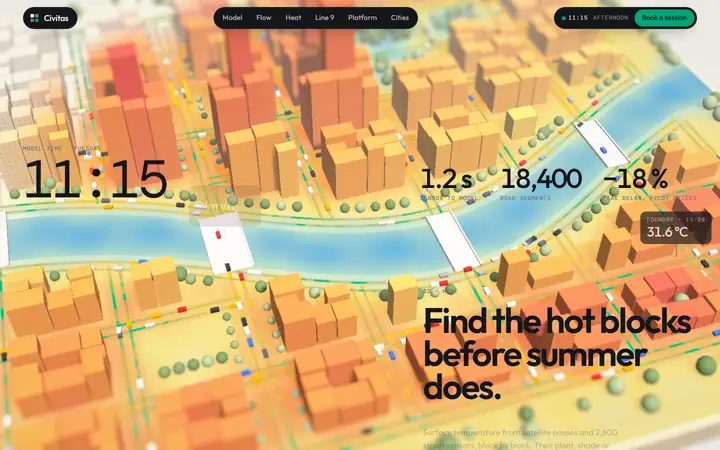
03 — 11:15
26 editable texts
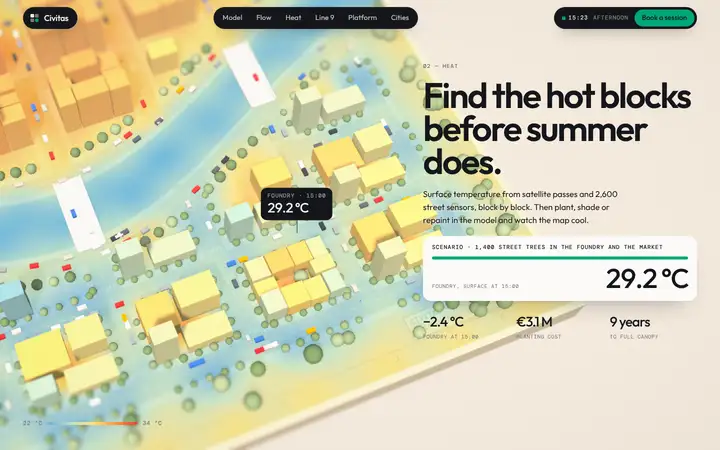
04 — Find the hot blocks before summer d…
26 editable texts
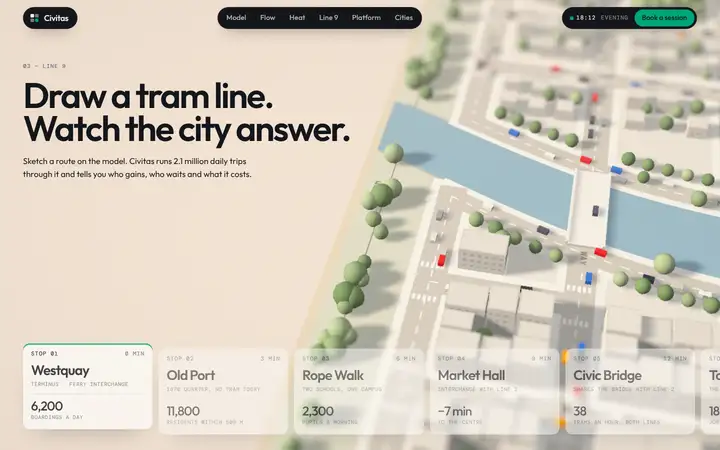
05 — Draw a tram line. Watch the city an…
44 editable texts
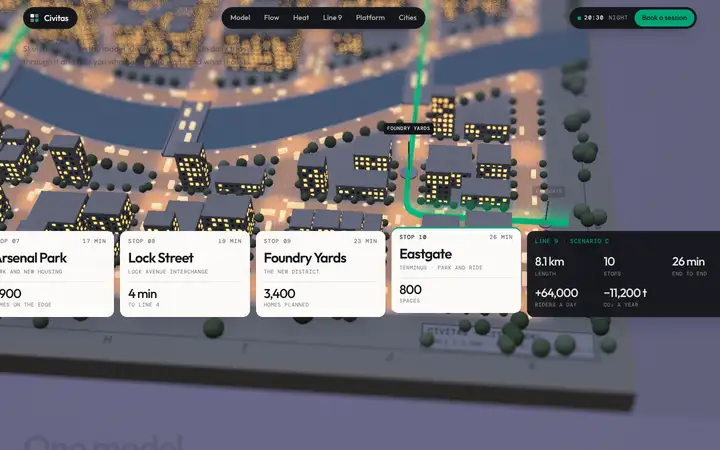
06 — Arsenal Park
49 editable texts
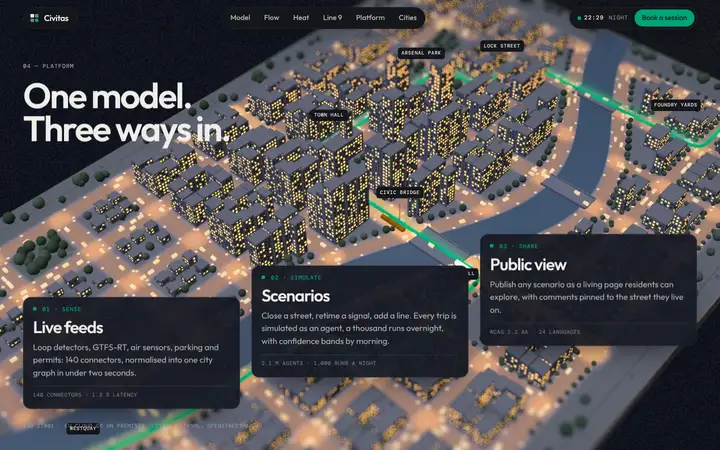
07 — One model. Three ways in.
34 editable texts
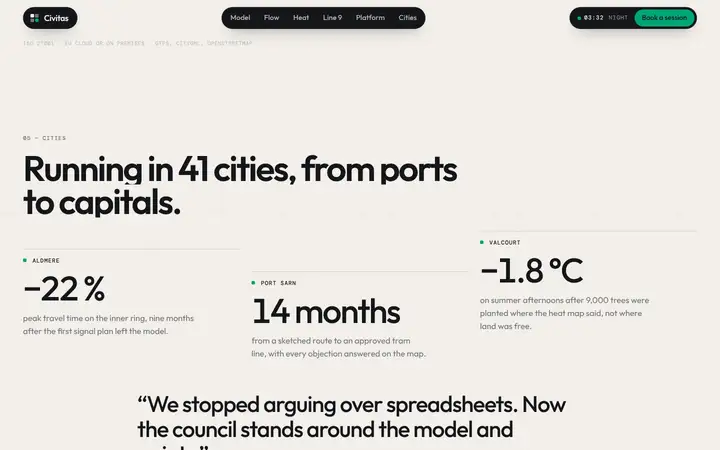
08 — Running in 41 cities, from ports
24 editable texts
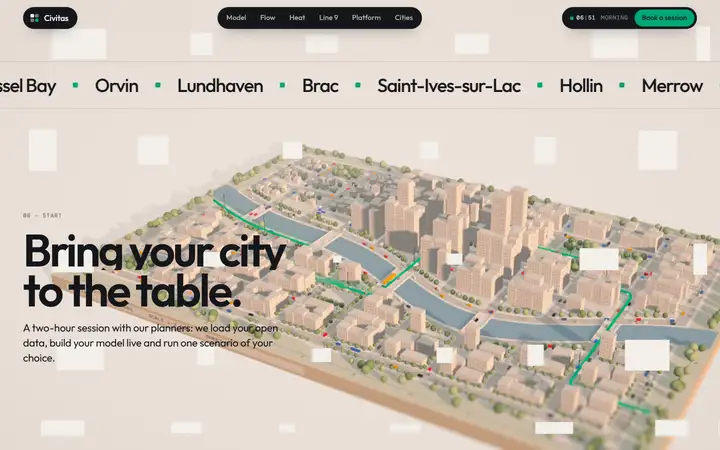
09 — Bring your city
22 editable texts
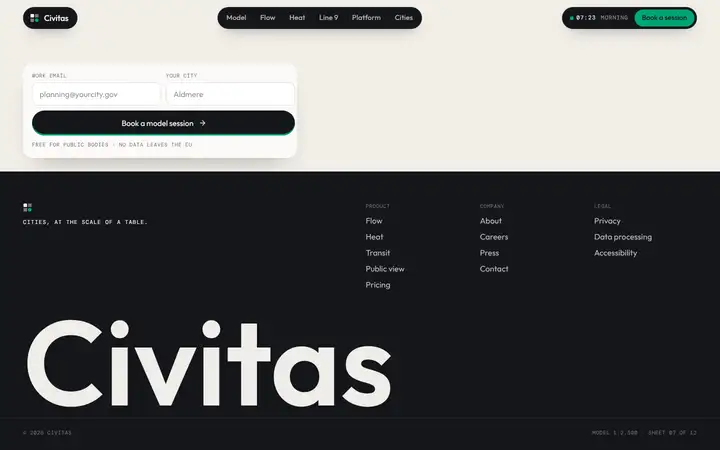
10 — Civitas
26 editable texts
Overview
An urban-mobility platform whose hero is a live paper model city seen through a tilt-shift lens. The scroll runs the model clock from sunrise to night: traffic flow, a heat map cooled by new trees, a tram line drawn across the city, then paper blocks wipe to dawn.
- Best for
- Smart city, mobility, govtech, deep tech
- Signature move
- The lens focuses where you point; the district under it lights up with live data, and the scroll runs a day
- Hero
- A sunlit paper model city fills the screen, sharp in a tilt-shift band and blurred above and below; the headline 'Every street, every hour, in one model.' sits top left, a dark live chip floats over the centre, counters run bottom right.
- Type
- Outfit
What it builds
- 01Model
- 02Flow
- 03Heat
- 04Line 9
- 05Platform
- 06Cities
- 07Start
The prompt
819 lines · 12,306 wordsHow to use it
- 01
Copy
Pick your builder, add your brand if you like, and press Copy.
- 02
Paste
Send it as one message in a new, empty project. Let the builder finish.
- 03
Swap the words
Search for the [BRACKETS] and replace what is left with your own copy.
Result looks different? Here is the sentence that fixes it.