AI & SaaS/Drop 01
Chroma
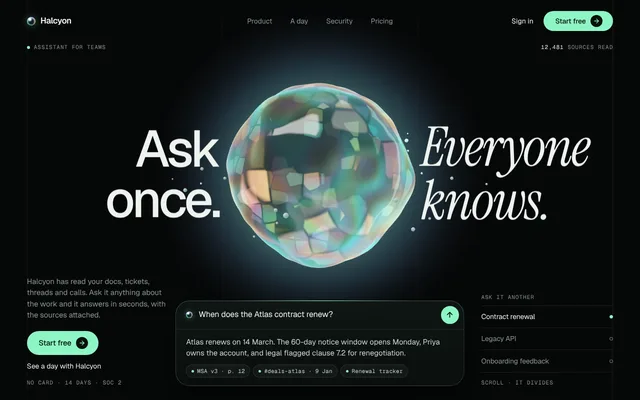
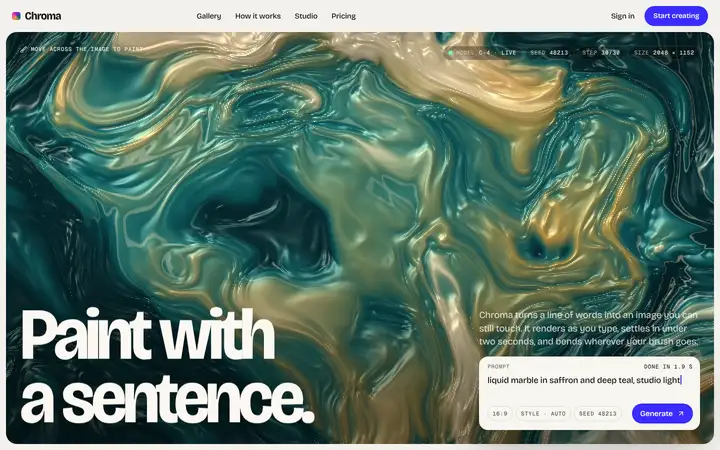
Paint a live, glossy image with your pointer, then watch it fold into a gallery of seeds.
- Shader
- Real-time 3D
- Scroll story
- Configurator
by Site in One · Pro · 729 lines
Design system · Figma
Take it into Figma.
The colours, the type and every screen of the live demo, ready for your design file or your code. Your brand and colour from “Make it yours” carry through.
Colour · click to copy
Contrast · WCAG 2
- AaForeground on Background16.3:1 AAA
- AaMuted on Background4.76:1 AA
- AaAccent on Background6.25:1 AA
- AaBackground on Accent6.25:1 AA
Type · the most used styles
- ChromaDisplay/50.5 MediumBricolage 50.5/53.5
- ChromaBody/23 SemiBoldBricolage 23/25.5
- ChromaBody/22 BoldBricolage 22/33
- ChromaBody/15 RegularBricolage 15/22.5
- ChromaBody/15 MediumBricolage 15/22.5
- ChromaLabel/11 Medium CapsGeist Mono 11/13
- ChromaButton/11 Medium CapsGeist Mono 11/13
26 text styles in all, Bricolage, Geist Mono. All free on Google Fonts.
Storyboard · 18 screens
01 — Paint with
26 editable texts
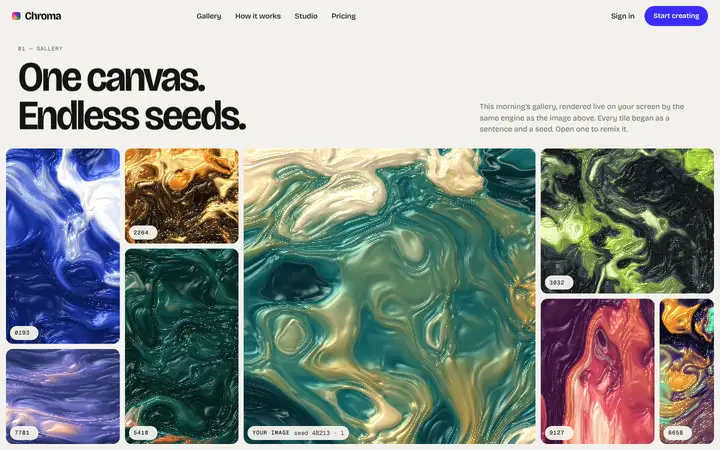
02 — One canvas.
20 editable texts
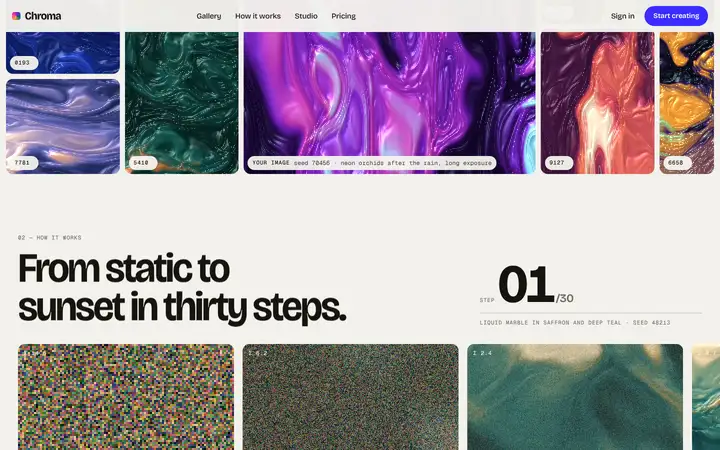
03 — 01
26 editable texts
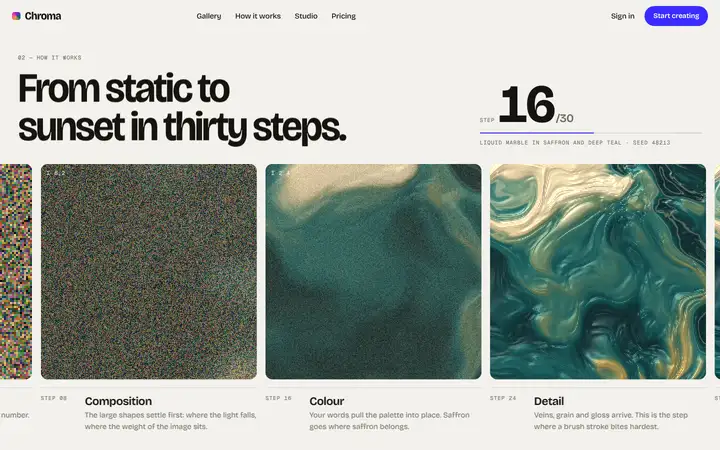
04 — 16
26 editable texts
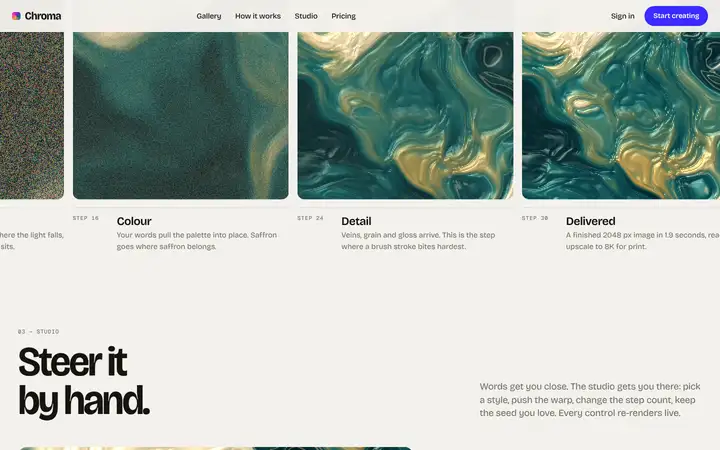
05 — Steer it
20 editable texts
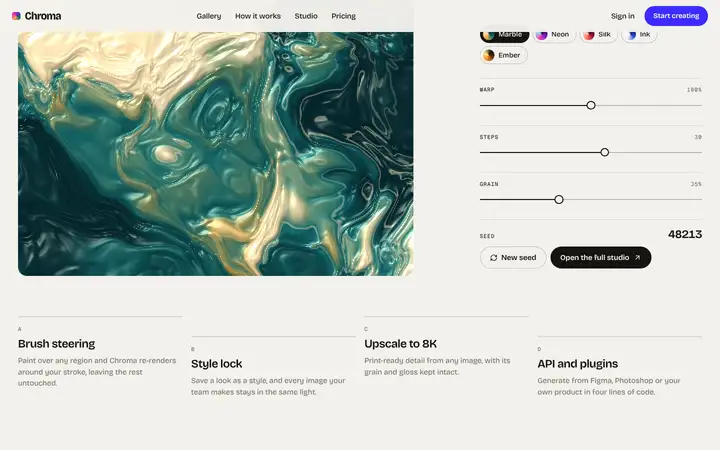
06 — 48213
36 editable texts
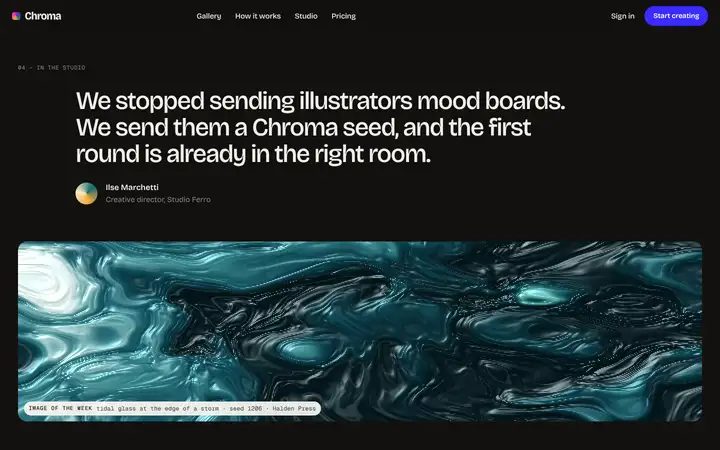
07 — Chroma
13 editable texts
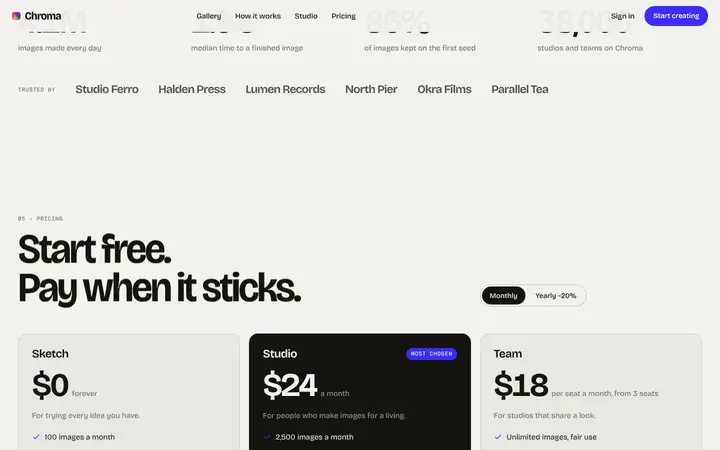
08 — Start free.
43 editable texts
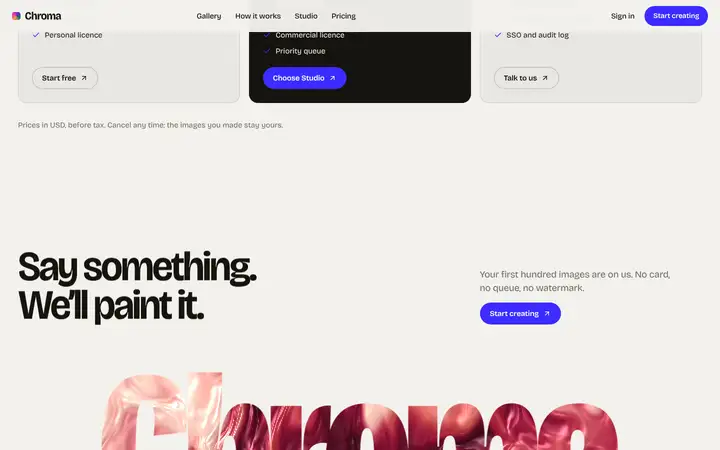
09 — Say something.
25 editable texts
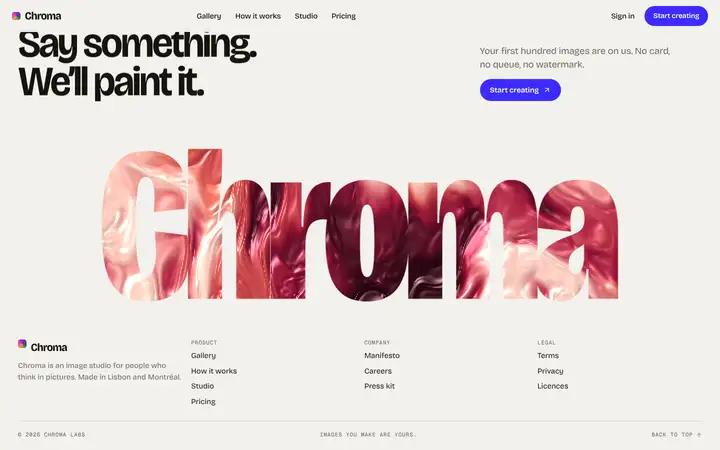
10 — Say something.
29 editable texts
Overview
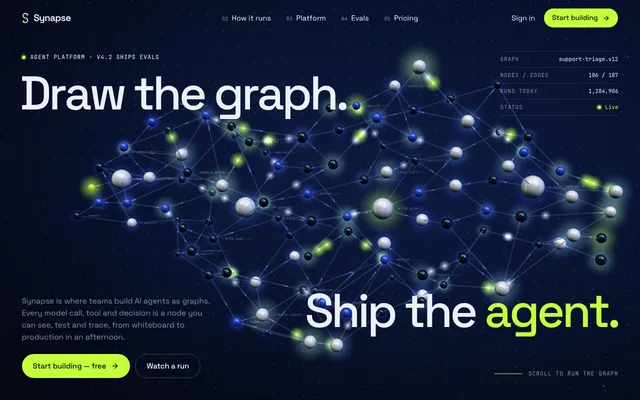
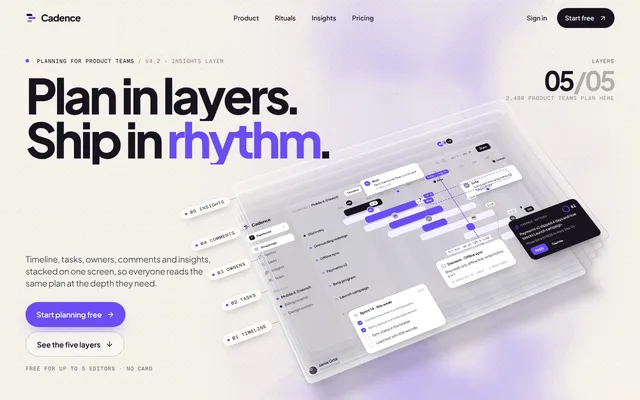
An AI image studio built around one real-time shader: a domain-warped field of liquid paint that denoises out of static, re-renders for each prompt and bends wherever the pointer drags it. On scroll it shrinks into a live gallery, steps through its own diffusion and fills the footer wordmark.
- Best for
- AI tools, creative SaaS, image and design apps
- Signature move
- A live paint field you bend with the pointer; each typed prompt re-renders it behind a front of noise.
- Hero
- A full-bleed plate of glossy liquid marble opens out of colour static while a prompt types itself; “Paint with a sentence.” sits bottom-left, a prompt panel with a Generate button bottom-right.
- Type
- Bricolage Grotesque
What it builds
- 01Hero
- 02Gallery
- 03How it works
- 04Studio
- 05Voices
- 06Pricing
- 07Footer
The prompt
729 lines · 10,443 wordsHow to use it
- 01
Copy
Pick your builder, add your brand if you like, and press Copy.
- 02
Paste
Send it as one message in a new, empty project. Let the builder finish.
- 03
Swap the words
Search for the [BRACKETS] and replace what is left with your own copy.
Result looks different? Here is the sentence that fixes it.