AI & SaaS/Drop 01
Aegis
A hexagonal shield that ripples under red attacks and opens as you scroll inside it
- Real-time 3D
- Shader
- Particles
- Scroll story
by Site in One · Pro · 749 lines
Design system · Figma
Take it into Figma.
The colours, the type and every screen of the live demo, ready for your design file or your code. Your brand and colour from “Make it yours” carry through.
Colour · click to copy
Contrast · WCAG 2
- AaForeground on Background17.47:1 AAA
- AaMuted on Background6.37:1 AA
- AaAccent on Background12.46:1 AAA
- AaBackground on Accent12.46:1 AAA
Type · the most used styles
- AegisDisplay/56 MediumSora 56/62
- AegisHeading/34 SemiBoldSora 34/34.5
- AegisBody/18 BoldSora 18/29
- AegisBody/14 Regular · SoraSora 14/22.5
- AegisLabel/11 Regular Caps · Space MonoSpace Mono 11/16.5
- AegisButton/11 Regular CapsSpace Mono 11/17.5
- AegisLabel/10 RegularSpace Mono 10/16
52 text styles in all, Sora, Space Mono. All free on Google Fonts.
Storyboard · 18 screens

01 — The shield your cloud wears.
30 editable texts

02 — 39 s
22 editable texts
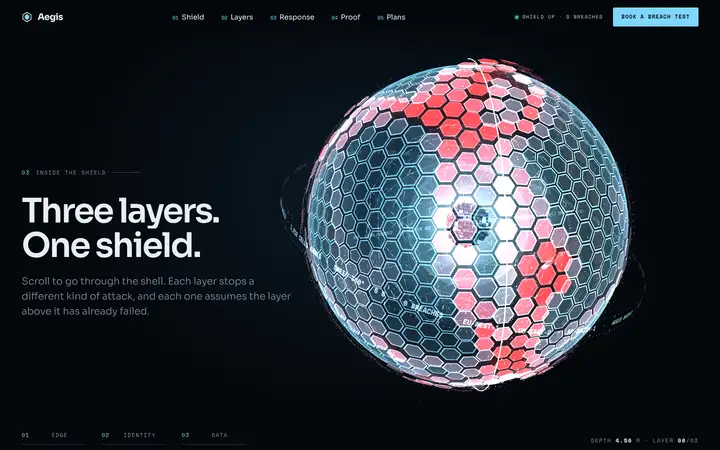
03 — Three layers. One shield.
24 editable texts

04 — Identity
29 editable texts

05 — Data
30 editable texts
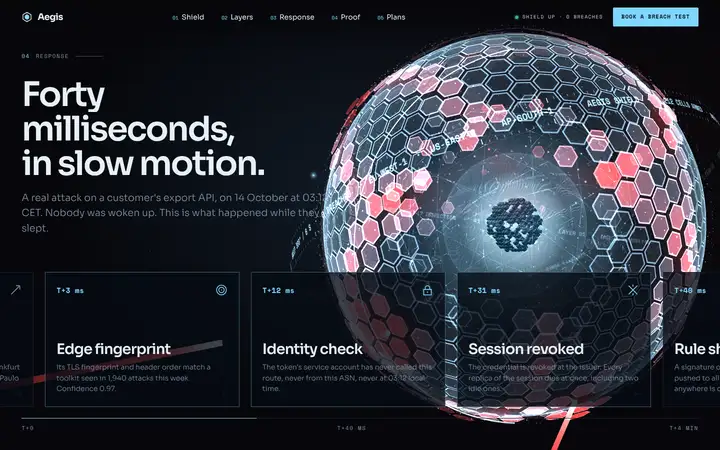
06 — Forty milliseconds, in slow motion.
35 editable texts
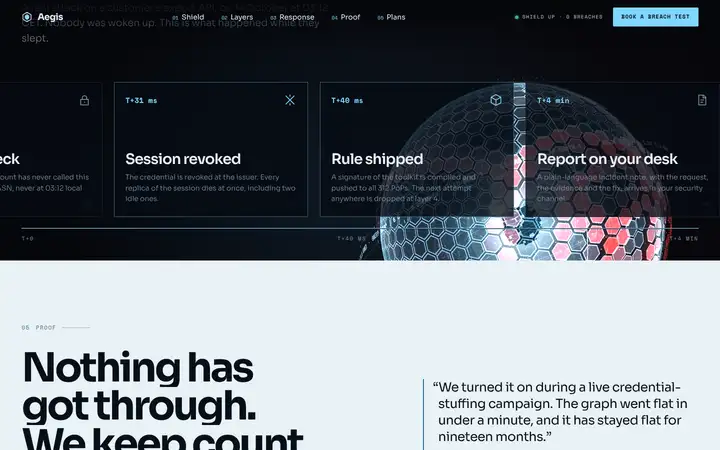
07 — Nothing has
37 editable texts
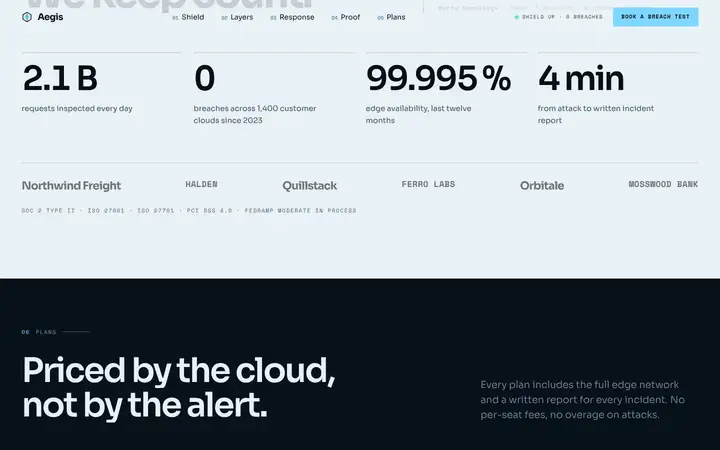
08 — 2.1 B
33 editable texts
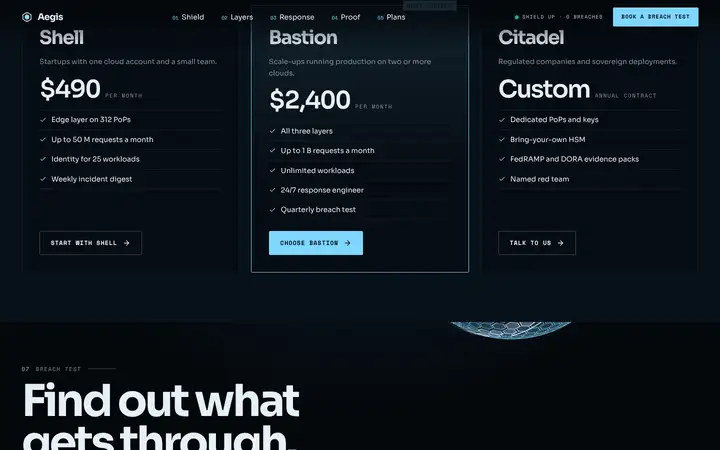
09 — Find out what
46 editable texts
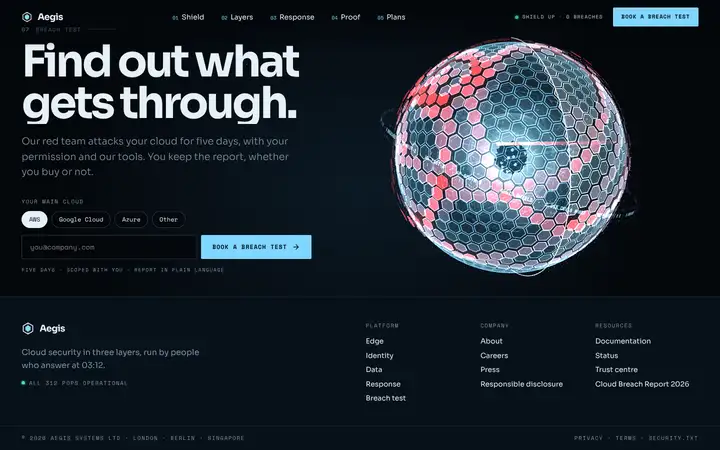
10 — Find out what
37 editable texts
Overview
A security platform site built around a real-time shield of 1,212 hex cells and 4,200 points. Red streaks hit it and dissolve in ripples, the pointer turns it, and the scroll dives through the shell into its edge, identity and data layers.
- Best for
- Security, infrastructure and cloud SaaS, dev tools
- Signature move
- A hex-cell shield sphere that turns with the pointer, lights the cells under it and ripples red where attacks hit
- Hero
- A glowing sphere of ice-blue hexagonal cells, ringed by a band of HUD type, stands in front of a giant steel brand word while red streaks strike it and spread ripples. A live counter and feed of deflected attacks sit beside the claim.
- Type
- Sora with Space Mono
What it builds
- 01Shield
- 02The window
- 03Inside the shield
- 04Response
- 05Proof
- 06Plans
- 07Breach test
- 08Footer
The prompt
749 lines · 10,788 wordsHow to use it
- 01
Copy
Pick your builder, add your brand if you like, and press Copy.
- 02
Paste
Send it as one message in a new, empty project. Let the builder finish.
- 03
Swap the words
Search for the [BRACKETS] and replace what is left with your own copy.
Result looks different? Here is the sentence that fixes it.