Agency/Drop 01
Passage
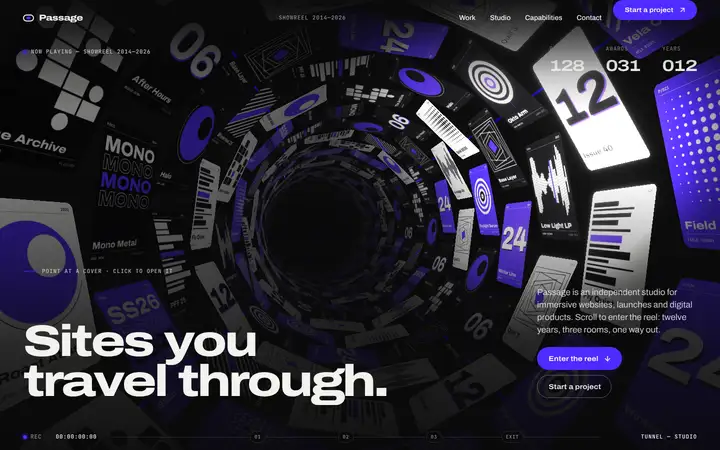
Fly through a tunnel of project covers into three rooms, then out into daylight
- Real-time 3D
- Shader
- Scroll story
- Page transitions
by Site in One · Pro · 898 lines
Design system · Figma
Take it into Figma.
The colours, the type and every screen of the live demo, ready for your design file or your code. Your brand and colour from “Make it yours” carry through.
Colour · click to copy
Contrast · WCAG 2
- AaForeground on Background17.67:1 AAA
- AaMuted on Background7.02:1 AAA
- AaAccent on Background2.94:1 Fail
- AaBackground on Accent2.94:1 Fail
Type · the most used styles
- PassageBody/17 ExtraBold · ArchivoArchivo 17/26
- PassageBody/14.5 RegularArchivo 14.5/22.5
- PassageBody/14 MediumArchivo 14/21.5
- PassageLabel/13 SemiBoldArchivo 13/20
- PassageLabel/11 Medium CapsJetBrains Mono 11/15.5
- PassageLabel/10.5 Regular CapsJetBrains Mono 10.5/16.5
- PassageButton/9.5 Medium CapsJetBrains Mono 9.5/13.5
35 text styles in all, Archivo, JetBrains Mono. All free on Google Fonts.
Storyboard · 18 screens
01 — Sites you travel through.
26 editable texts
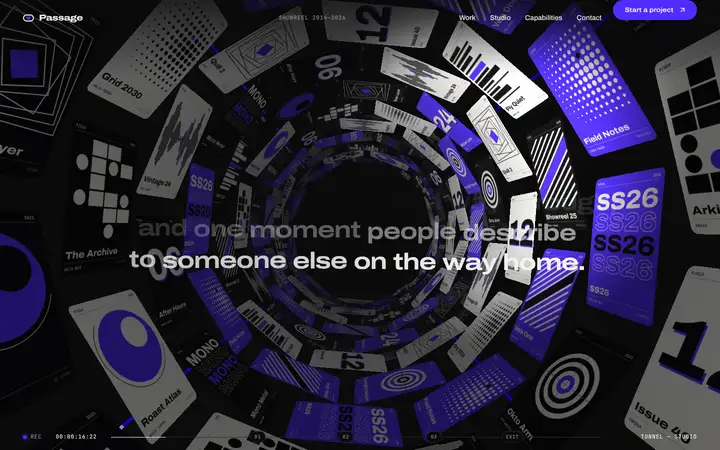
02
14 editable texts
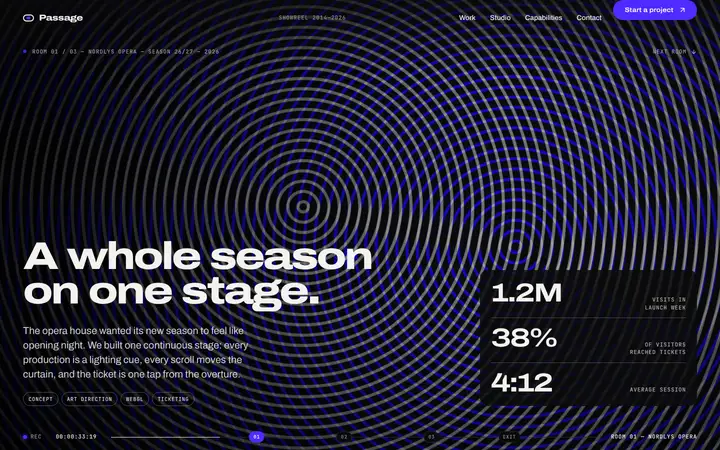
03 — A whole season on one stage.
28 editable texts
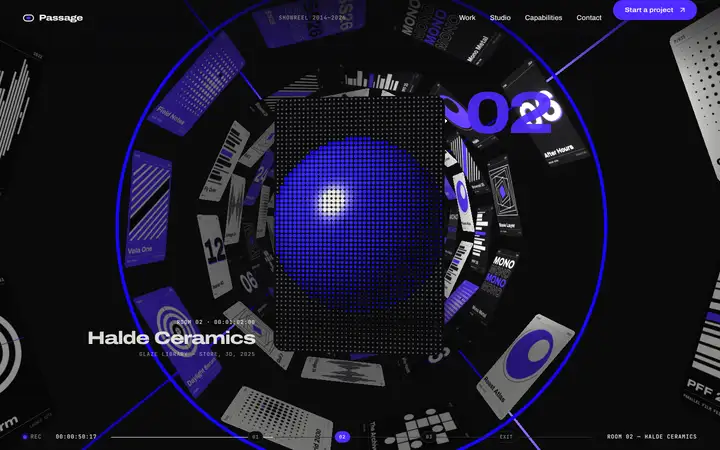
04 — 02
18 editable texts
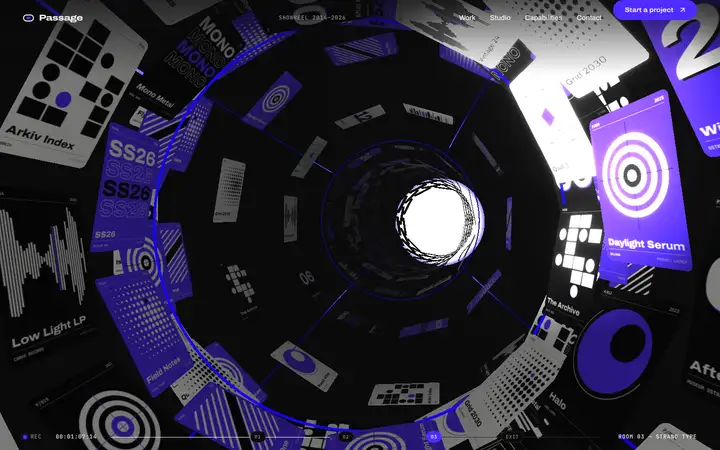
05
14 editable texts
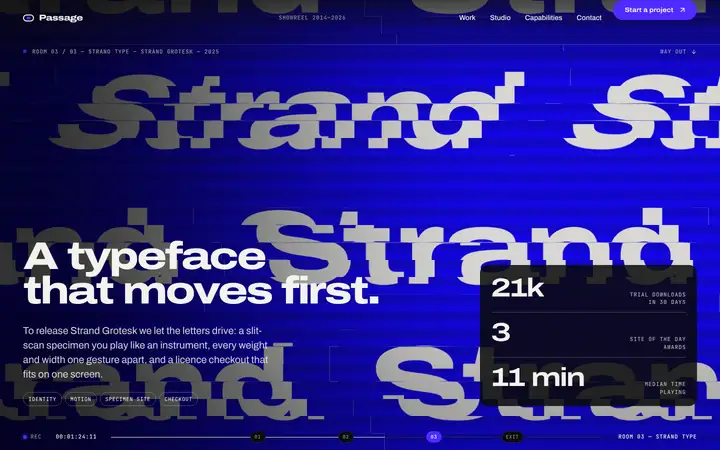
06 — A typeface that moves first.
28 editable texts
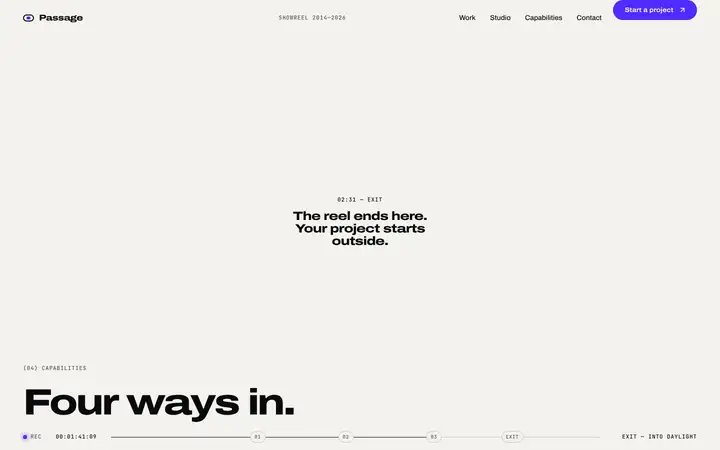
07 — Four ways in.
18 editable texts
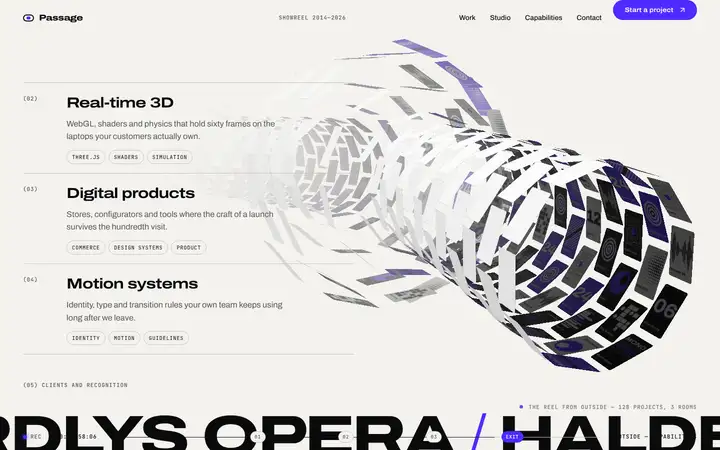
08 — Nordlys Opera
37 editable texts
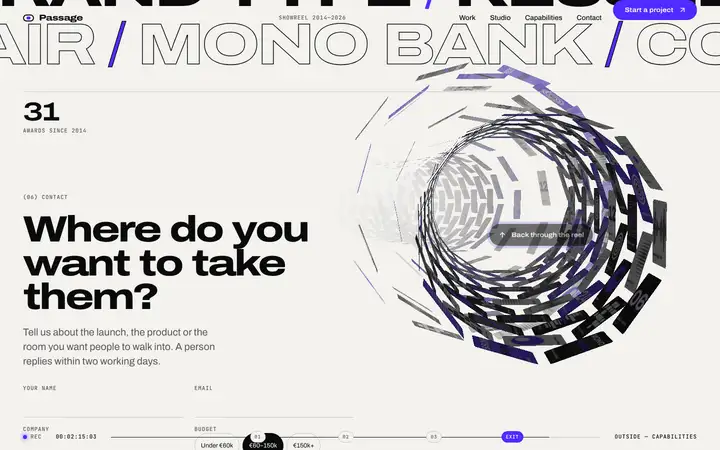
09 — /
29 editable texts
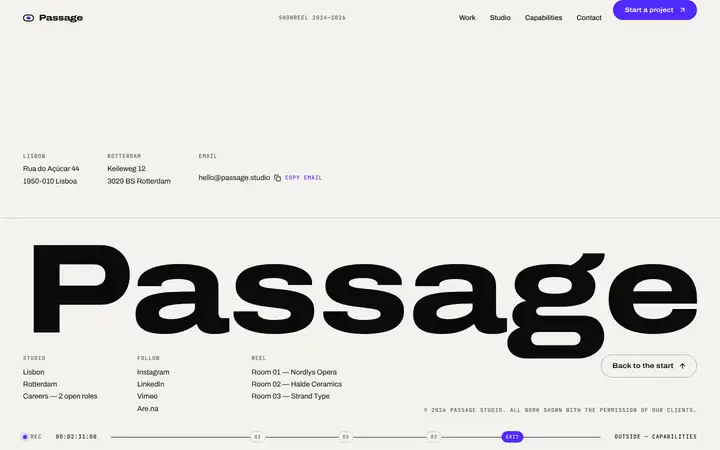
10 — Passage
30 editable texts
Overview
A studio showreel built as one real-time tunnel of 867 generative covers that you fly through with the scroll and light with the pointer. In each of three rooms a card leaves the wall, fills the screen as a live artwork carrying its case study, then opens an iris you fly through.
- Best for
- Digital agencies, studios, portfolios, creative teams
- Signature move
- Scroll flies you through a bending tunnel of covers; the pointer is a torch, a click pulls a cover out of the wall
- Hero
- Inside a curved tunnel of glossy project covers in black, white and ultraviolet that open like louvres as the camera flies in; the pointer's torch lights the covers and names them, a two-line wide headline sits bottom left over a reel timecode bar.
- Type
- Archivo
What it builds
- 01Reel
- 02Studio
- 03Room 01
- 04Room 02
- 05Room 03
- 06Capabilities
- 07Clients
- 08Contact
The prompt
898 lines · 12,261 wordsHow to use it
- 01
Copy
Pick your builder, add your brand if you like, and press Copy.
- 02
Paste
Send it as one message in a new, empty project. Let the builder finish.
- 03
Swap the words
Search for the [BRACKETS] and replace what is left with your own copy.
Result looks different? Here is the sentence that fixes it.