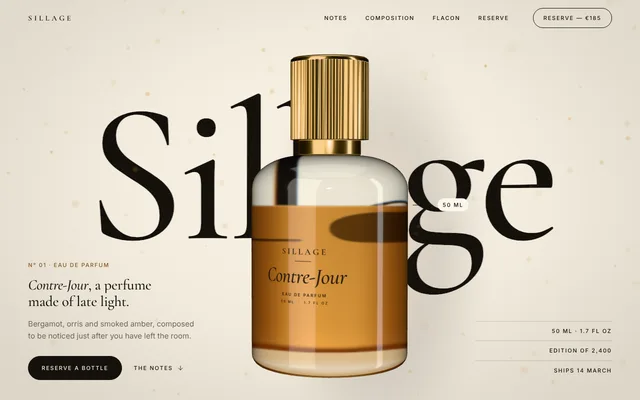
Product/Drop 01
Fleur
Run your hand through a living meadow, then scroll it through all four seasons
- Real-time 3D
- Shader
- Particles
- Scroll story
by Site in One · Pro · 1204 lines
Design system · Figma
Take it into Figma.
The colours, the type and every screen of the live demo, ready for your design file or your code. Your brand and colour from “Make it yours” carry through.
Colour · click to copy
Contrast · WCAG 2
- AaForeground on Background10.71:1 AAA
- AaMuted on Background4.62:1 AA
- AaAccent on Background3.07:1 AA Large
- AaBackground on Accent3.07:1 AA Large
Type · the most used styles
- FleurHeading/47.5 RegularPlayfair Display 47.5/55
- FleurHeading/25 RegularPlayfair Display 25/29
- FleurBody/16.5 Regular · Instrument SansInstrument Sans 16.5/25.5
- FleurBody/15 SemiBoldInstrument Sans 15/23.5
- FleurLabel/14.5 RegularInstrument Sans 14.5/22.5
- FleurLabel/11 Medium Caps · DM MonoDM Mono 11/15
- FleurButton/9.5 Regular CapsDM Mono 9.5/14.5
43 text styles in all, Playfair Display, Instrument Sans, DM Mono. All free on Google Fonts.
Storyboard · 17 screens
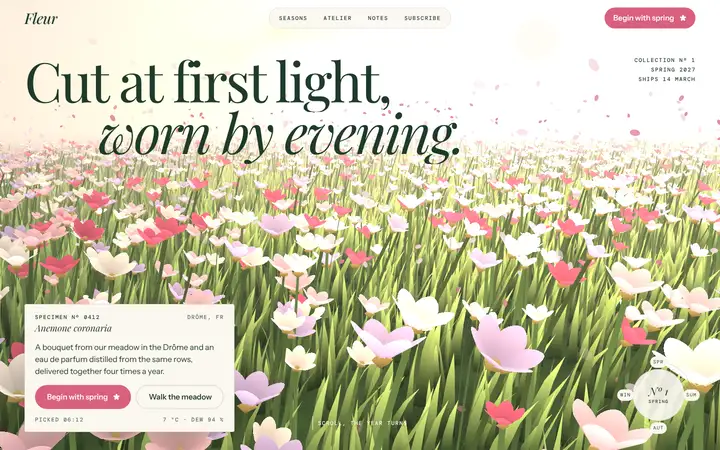
01 — Cut at first light,
24 editable texts
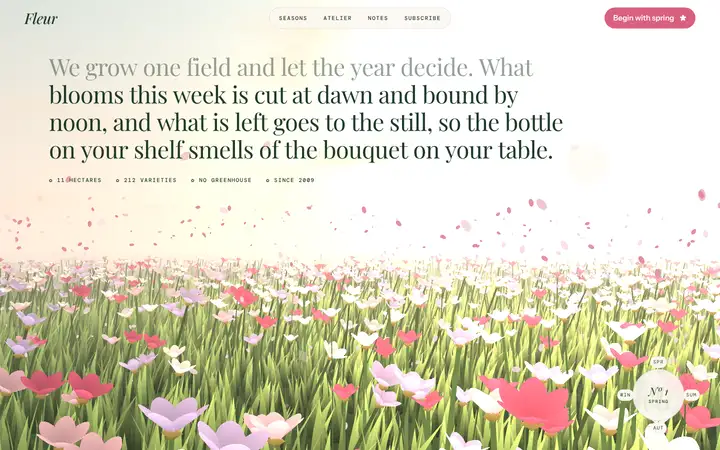
02 — Fleur
17 editable texts
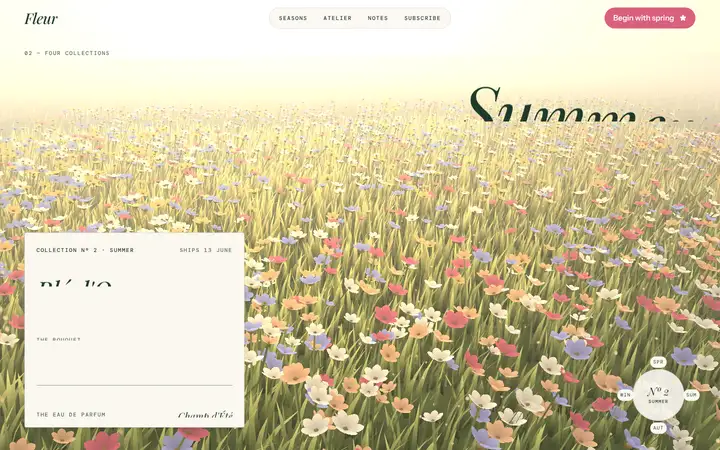
03 — Sum
21 editable texts
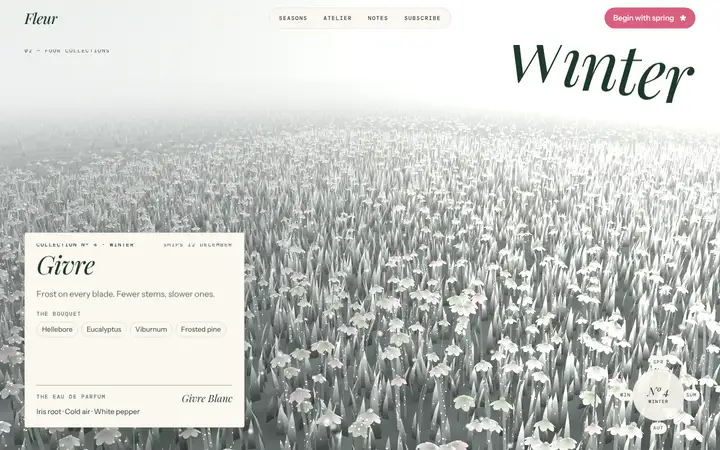
04 — Win
27 editable texts
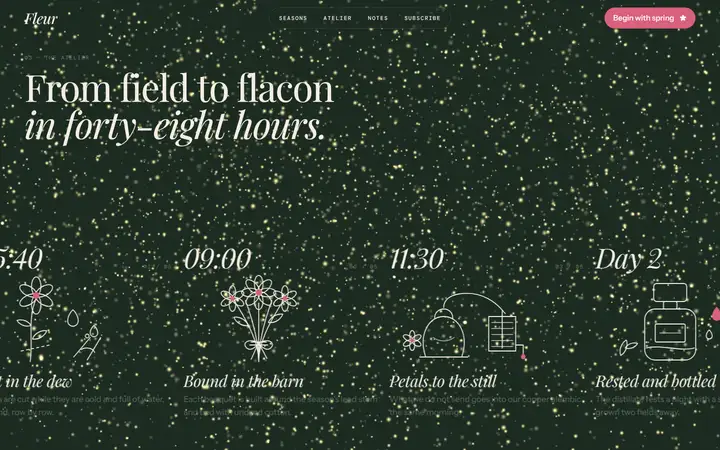
05 — From field to flacon
24 editable texts
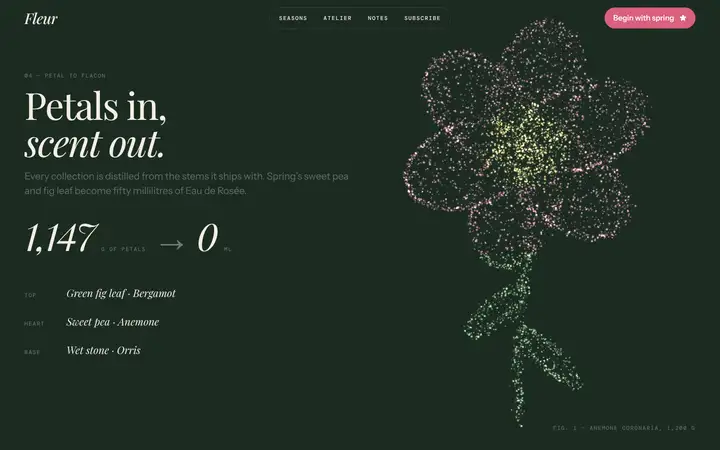
06 — Petals in,
22 editable texts
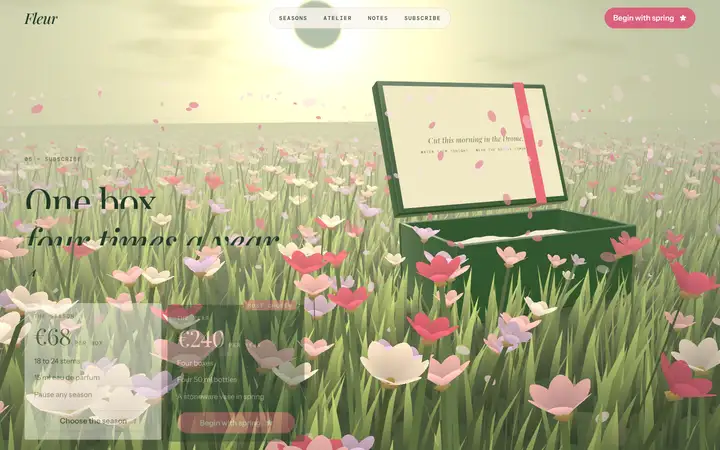
07 — One box,
25 editable texts
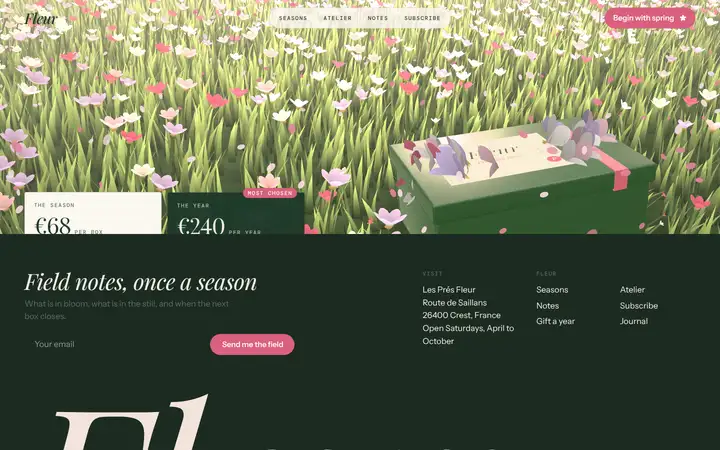
08 — Fleur
36 editable texts
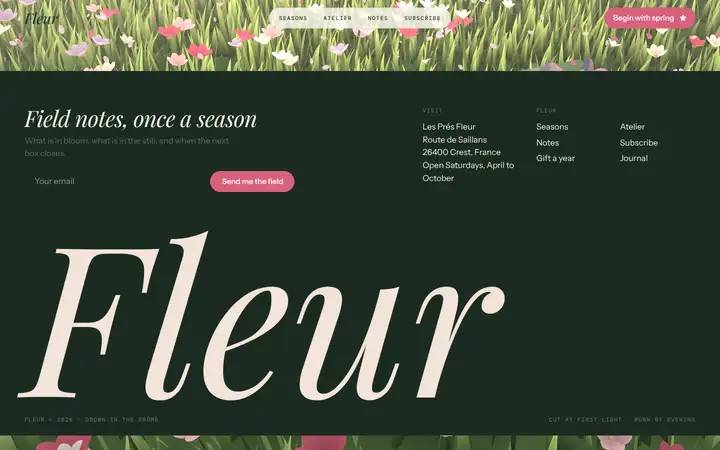
09 — Fleur
38 editable texts
Overview
A florist and fragrance subscription whose site is one real-time meadow of 32,000 instanced blades and flowers. It parts under the pointer, turns its season as a front rolling across the field, sinks the camera into the soil, gathers pollen into a flacon and ends at a box the cut stems fall into.
- Best for
- Florists, fragrance, seasonal subscriptions, farms
- Signature move
- A meadow of 32,000 GPU-animated stems that parts under the pointer and turns season by season as the page scrolls
- Hero
- A backlit spring meadow at dawn rises out of the morning mist as its flowers open; an italic serif headline stands in the sky, a herbarium card holds the offer, a season dial waits bottom right and a specimen tag names the flower under your hand.
- Type
- Playfair Display with Instrument Sans
What it builds
- 01Meadow
- 02The field
- 03Four seasons
- 04Atelier
- 05Petal to flacon
- 06Subscribe
- 07Field notes
The prompt
1204 lines · 13,414 wordsHow to use it
- 01
Copy
Pick your builder, add your brand if you like, and press Copy.
- 02
Paste
Send it as one message in a new, empty project. Let the builder finish.
- 03
Swap the words
Search for the [BRACKETS] and replace what is left with your own copy.
Result looks different? Here is the sentence that fixes it.